Safety first. The following information is for educational purposes. CNC machining involves high-speed rotating cutters. Always wear eye and ear protection, never leave a running machine unattended, and verify all feeds and speeds for your specific setup.
The spindle is the part of a desktop CNC that actually does the cutting, and on most hobby machines it is also the part holding you back. A trim router spins fast with no low-end torque; a VFD spindle holds power across its range, runs quieter, and grips tooling through real ER collets instead of a single press-fit ring. Picking the right spindle, cooling, and motion system is the difference between a machine that finishes parts and one that snaps bits.
This is the guide I wish I had before I swapped the Makita-class router on my Shapeoko Pro for a 65mm 1.5kW air-cooled VFD spindle. It pulls together everything that lives between the controller and the cutting edge: router versus spindle, water versus air cooling, the VFD that drives it, how RPM and chipload change by material, ER collets, runout and bearings, the brushless upgrade path for budget machines, and the motion system that carries it all. Every section links to a deeper article when you want to go further. The throughline is the one most unboxing videos skip: power and rigidity decide whether a part finishes, and the spindle is where you feel both first.
The spindle is the heart of the machine, but not the whole machine
Across the machines I have run, the spindle gets all the attention and the motion system quietly decides the ceiling. A spindle puts power and RPM at the cutter; the gantry, rails, and screws decide whether that power becomes a clean cut or a chattering mess. You can bolt a 2.2kW spindle onto a flexy belt-driven gantry and still break bits, because the limit was never the motor. Think of it as a chain: controller, VFD, spindle, collet, tool, workpiece, and the structure holding all of it. The weakest link sets your real capability.
That is why this guide treats the spindle and the motion system as one decision. When people ask me what to upgrade first, the honest answer depends on what is failing. If your cuts are rough and your router screams, the spindle is the win. If parts shift and dimensions drift, it is workholding and rigidity. Diagnose before you spend — I cover that logic in the CNC router upgrades guide and the troubleshooting walkthrough.
Trim router vs VFD spindle: what actually changes
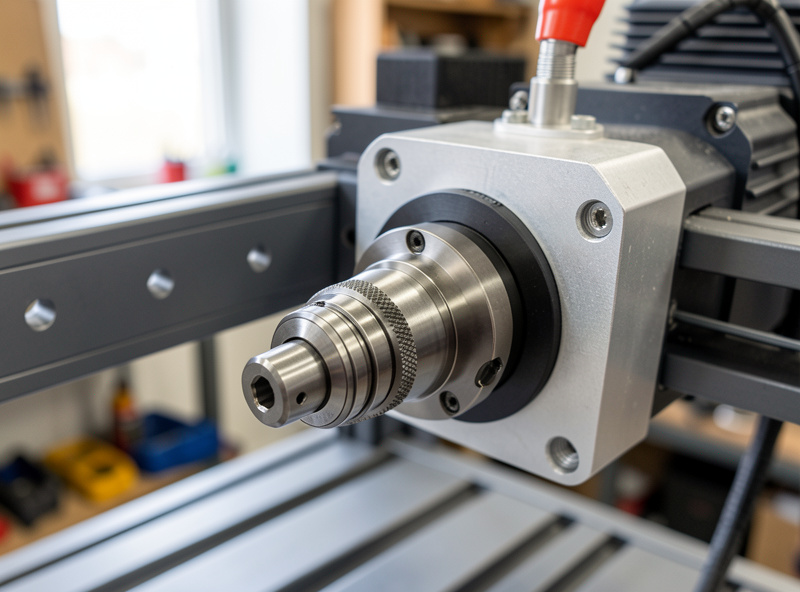
A trim router is a brushed universal motor tuned to scream at 10,000 to 30,000 RPM with almost no torque at the bottom of its range. A VFD spindle is a three-phase asynchronous motor that holds torque across a usable band, runs far quieter, and accepts ER collets. The router wins on price and simplicity; the spindle wins on noise, runout, duty cycle, automatic speed control, and cutting anything that wants low RPM, like aluminum.
The practical reasons I made the swap were noise and aluminum. My router idled around 90 dB — comfortably past the 85 dBA exposure limit NIOSH sets before it recommends hearing protection — and I wore ear defenders for every cut; the spindle hums and I can hear the cut change as a bit dulls. And a router that bottoms out at 10,000 RPM cannot run the low surface speed 6061 aluminum needs without a tiny tool, while my spindle holds torque down to 8,000. If you only cut wood and plastic at high RPM and you are on a budget, the router is genuinely fine — I say that plainly. The full spec-by-spec breakdown lives in the CNC router vs spindle comparison, and the “is the upgrade worth it for me” decision is in CNC spindle vs router: when the VFD upgrade is worth it.
| Attribute | Trim router | VFD spindle (0.8–2.2kW) |
|---|---|---|
| RPM range | ~10,000–30,000 (no low end) | ~6,000/8,000–24,000 |
| Low-RPM torque | Poor — bogs and stalls | Strong — holds for aluminum |
| Speed control | Manual dial, no feedback | VFD, 0–10V auto from controller |
| Tool holding | Single fixed collet | ER11/ER16/ER20 collet set |
| Noise at the cut | ~85–95 dB | Markedly quieter, no universal whine |
| Duty cycle | Intermittent — brushes wear | Continuous-rated |
| Cooling | Internal fan only | Air-cooled fan or water loop |
| Up-front cost | Low (~one bit-set) | Higher (spindle + VFD + wiring) |
Water-cooled vs air-cooled spindles
Both cool the same motor; they just move the heat differently. An air-cooled spindle has a fan on the tail and is simpler to wire and live with, but the fan adds noise and pulls dust toward the bearings. A water-cooled spindle runs a coolant loop through the body, so it is quieter and holds lower bearing temperatures during long jobs, at the cost of a pump, reservoir, and the small but real risk of a leak or a frozen line in an unheated shop.
My daily driver is air-cooled because the wiring is one less failure point and I cut in short bursts. I keep a water-cooled unit on the bench for the long surfacing and aluminum jobs where bearing temperature is the thing that ends a spindle early. Neither is universally better — it is a duty-cycle and shop-environment call, and I walk through both side by side in water-cooled vs air-cooled CNC spindle.
The VFD is the brain that drives the spindle
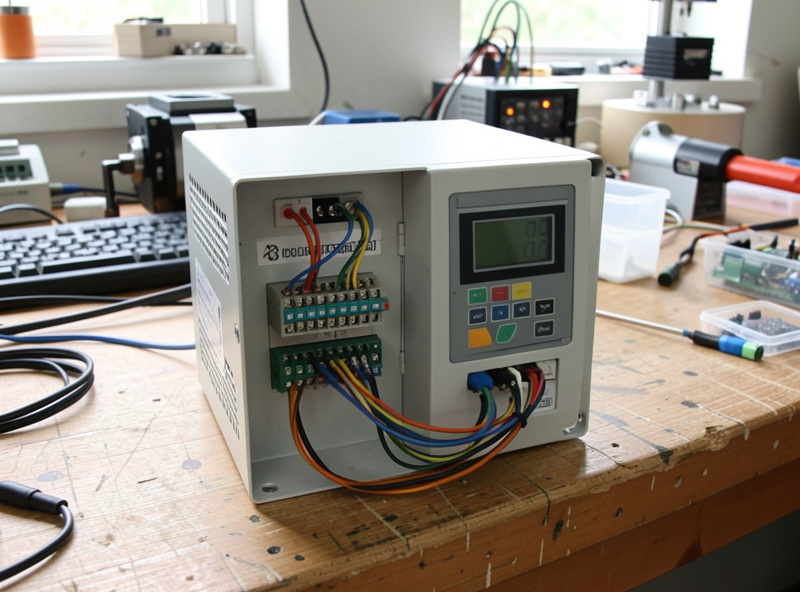
A VFD (variable frequency drive) converts your single-phase wall power into the three-phase output an induction spindle needs, and sets its speed by changing frequency. Get the parameters wrong and you either never reach rated RPM, cook the motor at low speed, or trip on acceleration. The settings that matter are the nameplate ones: motor poles, rated voltage and current, maximum frequency, and acceleration time.
The single rule that saves spindles: do not run an induction spindle far below its rated band. Below roughly 6,000 to 8,000 RPM these motors lose torque and the airflow that cools them, so a “low and slow” instinct from hand routing actively damages them. I set my maximum frequency to 400 Hz for a 24,000 RPM 2-pole spindle, match rated current to the nameplate, and give it a gentle 8 to 15 second ramp. The full parameter-by-parameter walkthrough, including the 0–10V wiring that lets the controller set speed from your G-code, is in the VFD setup for CNC spindle guide.
RPM, chipload, and surface speed by material
The mistake everyone makes is setting RPM first. RPM is not the dial you choose — chipload is. You pick a target chip thickness for the material and tool, then RPM gets bounded by surface speed and your machine, and feed falls out of the arithmetic: feed = RPM × flutes × chipload. A spindle that holds torque low is what lets you obey that math in aluminum instead of fighting it.
Wood and plastic want high RPM and aggressive feed; aluminum wants low RPM and a single flute. For a 1/4″ two-flute in hardwood I run around 18,000 RPM with a chipload near 0.2 mm. For 6061 with a 1/4″ single-flute I drop to roughly 8,000 to 12,000 RPM, take shallow passes, climb-mill with adaptive clearing, and add air or mist so chips clear instead of welding. Plastics melt if RPM is too high for the feed — single-flute O-flutes and chip evacuation fix that. The full material-by-material table is in choosing spindle RPM by material, and the numbers I actually run live in the feeds and speeds chart and the aluminum feeds and speeds guide.
ER collets: the unsung accuracy component
An ER collet is the slotted, tapered sleeve that grips your tool shank, and it does more for finish and tool life than most people credit. ER11 suits small 0.8kW spindles up to a 1/4″ shank; ER16 and ER20 cover bigger spindles and 1/4″ to 1/2″ tooling. Each collet, standardized under the DIN 6499 (ISO 15488) spec so collets and nuts interchange between brands, clamps a 1 mm range, so you match the collet to the shank rather than forcing a near-miss.
The error I see constantly: people drop the bit into the nut and then try to seat the collet, which never grips true. You snap the collet into the eccentric ring inside the nut first, thread the assembly on a few turns, then insert the tool and tighten. Skip that and you build runout into every cut. Keep the taper and collet clean, and never bottom the bit against the collet. Which size to buy and how to keep them true is in the ER collet selection guide.
Runout and bearings: when the spindle goes bad
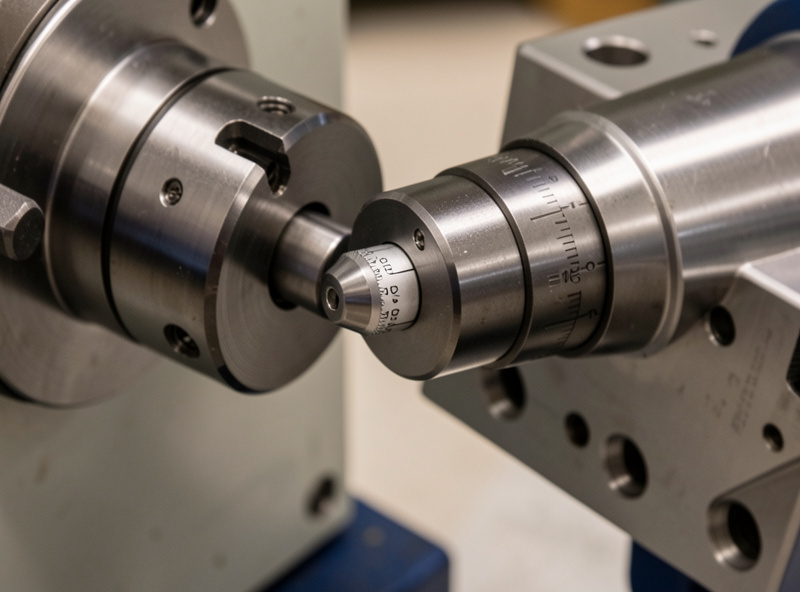
Runout is how far the tool wobbles off the true axis of rotation, measured as total indicator reading with a dial indicator. A good hobby spindle holds under about 0.01 mm at the collet; much more and you get oversized cuts, poor finish, and tools that die early. The skill is isolating where it comes from — the spindle taper, the collet, the tool, or deflection at the tip.
I check runout in stages: indicator on the spindle nose for the spindle itself, on the tool shank for the collet-plus-tool stack, and at the tip for deflection. A spindle that starts rough at idle, runs hot, and shows climbing runout has bearings on the way out — and that is exactly where a water-cooled spindle’s lower operating temperature pays off in bearing life. Diagnosing it without guessing, and deciding whether to replace bearings or the whole spindle, is covered in spindle runout and bearing maintenance.
The brushless upgrade path for budget machines
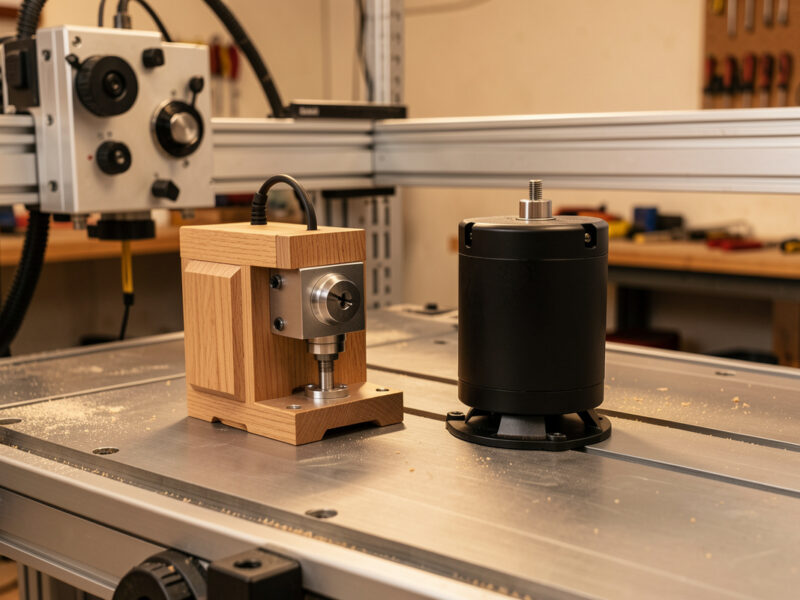
On the small end, the upgrade is not always a full VFD spindle. A 3018-class machine ships with a brushed 775 DC motor that wears its brushes, lacks torque, and tops out thin; swapping it for a 300 to 500W brushless ER11 spindle is a cheap, high-value first move that quiets the machine and improves finish before you ever think about a 65mm VFD unit.
The progression I recommend is honest about budget: brushed router or 775 motor at the bottom, a brushless DC spindle as the first real upgrade, then an air- or water-cooled VFD induction spindle as the serious rung. Each step buys quieter running, more usable torque, and better tool holding. Where your machine sits on that ladder, and what wiring and mount each step needs, is in the brushless spindle upgrade guide.
Motion systems: belts, lead-screws, and ball-screws
Underneath the spindle, the motion system is what turns motor steps into accurate travel, and it sets the rigidity ceiling the spindle can never overcome. Belt drives are cheap, fast, and quiet but can stretch and add a little backlash; lead-screws are stiffer and cheaper than ball-screws but slower and prone to whip at length; ball-screws are the most rigid and precise but cost the most. The cheapest machine is rarely the cheapest once you count broken bits and re-cuts on a flexy gantry — that is the total-cost-of-rigidity tax nobody quotes.
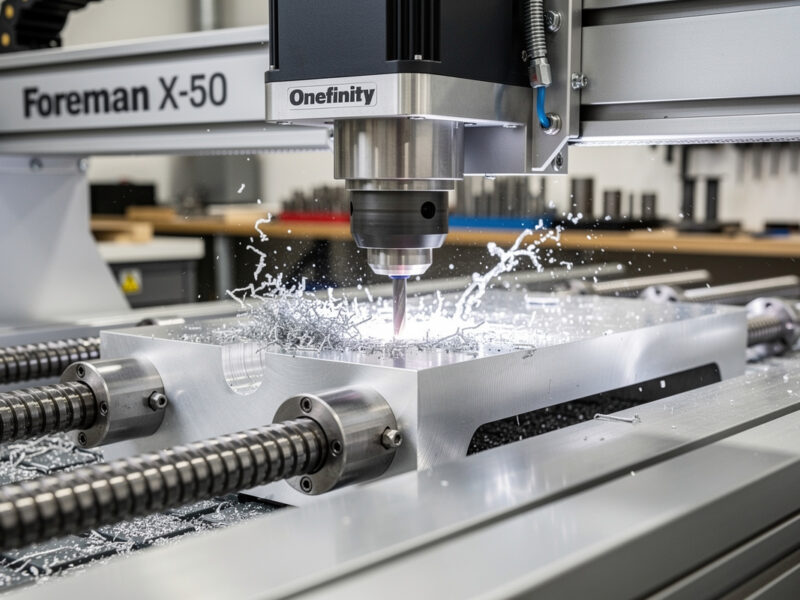
My rigidity reference is the ball-screw Onefinity; my reliability benchmark is the belt-driven Shapeoko Pro, which is plenty for wood and plastic and capable in aluminum with restraint. Calibrate steps-per-mm whichever you run, and respect the controller’s acceleration and lookahead limits — on the GRBL hobby machines I run, pushing acceleration past what the gantry mass can actually follow just rounds corners and quietly loses steps, so I tune it down until the motion is crisp rather than chasing rapid speeds the frame cannot honor. A rigid machine earns higher acceleration; a flexy one punishes it, which is the same rigidity tax showing up in the firmware instead of the cut. The machine-by-machine reasoning is in Onefinity vs Shapeoko and how to choose a desktop CNC machine.
| Drive type | Rigidity | Speed | Cost | Found on |
|---|---|---|---|---|
| Belt (GT2/GT3) | Moderate | High | Low | Shapeoko, X-Carve |
| Lead-screw (ACME) | Good | Low–moderate | Low–mid | LongMill, 3018 |
| Ball-screw | Excellent | Moderate–high | High | Onefinity, PrintNC/Avid |
| Rack & pinion | Good (large format) | High | Mid–high | Large Avid, shop-size |
How I would sequence these upgrades
If you are starting from a stock budget machine, I would not buy a spindle first. Get the machine cutting reliably — homing and limit switches, a trammed and surfaced spoilboard, and workholding that actually holds — then attack the spindle. A quiet, true-running cutter on a machine that loses steps just makes prettier scrap. The workholding guide and limit switches and homing are the unglamorous wins that come first.
Once the foundation is solid, the spindle is the single biggest jump in noise, finish, and capability you can buy. Decide air versus water by your duty cycle, set the VFD by the nameplate, buy the collets your tooling actually uses, and learn to read runout so you catch a failing bearing before it eats a job. Do that and you have a machine that finishes parts because the whole chain holds — which is the entire point. For the broader picture of where this fits, see the complete CNC workflow and the router bits guide that pairs with every spindle decision here.
Matching spindle power to your machine
Spindle power is not a “bigger is better” number — it is a match to your gantry, your Z-axis, and your wiring. Hobby spindles cluster at 0.8kW, 1.5kW, and 2.2kW, in 65mm and 80mm body diameters. The 65mm 0.8 to 1.5kW units are light enough to hang on a stock Z-axis and run on a normal household circuit; the 80mm 2.2kW units are heavier, need a beefier mount, and pull enough current that the wiring and VFD sizing stop being an afterthought.
The trap is buying more spindle than the machine can carry. A 2.2kW 80mm spindle on a flexy belt gantry adds mass that the Z-axis has to accelerate and the gantry has to hold steady, and the extra power does nothing if rigidity is the limit. On my Shapeoko Pro the 65mm 1.5kW was the right match — enough torque for 6061 in shallow passes without overloading a Z-axis built for a router. If you are running a steel-frame build like a PrintNC or an Avid, the 80mm 2.2kW earns its keep because the structure can finally use it. Size the spindle to the weakest link, not to the spec sheet, and check whether your Z-axis can actually carry it before you buy.
Power also sets your duty expectations. A 0.8kW spindle is a quiet, true-running cutter for wood, plastic, and light aluminum, and it is a genuinely good place to land if you mostly cut sheet goods. Step up only when the work demands it — deeper passes, harder metal, or all-day surfacing where the extra thermal headroom keeps bearing temperatures down. That last point is exactly where the cooling choice and the bearing-life conversation meet.
Reading the cut: what a good spindle lets you hear
One underrated payoff of a quiet spindle is that you can finally hear the cut. A trim router buries every useful signal under universal-motor whine; a VFD spindle hums steadily, so a change in pitch, a new chatter, or the rattle of recut chips stands out immediately. Learning to read those signals is how you catch a problem before it snaps a bit, and it only works when the machine is quiet enough to listen to.
In wood, a clean cut sounds like a steady shearing hiss; chatter is a buzzing rattle that means the feed, the depth, or the workholding is wrong — usually workholding, because it is always workholding. In aluminum, your ears and eyes work together: long, bright, comma-shaped chips that clear the slot mean your chipload is right, while fine silver dust and a high squeal mean you are rubbing instead of cutting and the tool is about to weld a chip and break. Climb-milling soft material on a flexy setup invites that chatter, which is why direction and rigidity matter as much as RPM. The detailed signals, including the chip-welding failure mode, run through the aluminum feeds and speeds guide and the troubleshooting walkthrough.
This is also why dust and chip evacuation belong in a spindle conversation, not just a lung-safety one. Recut chips wreck finish, load the cutter, and in metal cause welding; a dust boot and decent collection keep the cut clean and let the spindle do its job. I treat a good bit, a true collet, the right chipload, and clean chip clearance as one system — change any one and the others have to follow. That systems view, more than any single component, is what separates a machine that finishes parts from one that generates stories about broken bits.
Frequently Asked Questions
Is a VFD spindle worth it over a trim router?
For noise, aluminum, and long jobs, yes. A VFD spindle holds torque at low RPM, runs far quieter, takes ER collets, and is continuous-rated. If you only cut wood and plastic at high RPM on a tight budget, a trim router is genuinely fine.
Should I choose a water-cooled or air-cooled spindle?
Air-cooled is simpler to wire and has no leak risk, ideal for short bursts. Water-cooled runs quieter and holds lower bearing temperatures on long jobs and aluminum, at the cost of a pump, reservoir, and freeze risk in an unheated shop.
What RPM should I run for different materials?
Set chipload first, not RPM. Hardwood and plastic want high RPM near 18,000; 6061 aluminum wants roughly 8,000 to 12,000 with a single-flute. Feed equals RPM times flutes times chipload, so RPM is bounded by surface speed and your machine.
What ER collet size do I need?
ER11 suits small 0.8kW spindles up to a 1/4-inch shank; ER16 and ER20 fit larger spindles and 1/4 to 1/2-inch tooling. Each collet clamps a 1mm range, so match the collet to the exact shank diameter rather than forcing a near-miss.
How much spindle runout is acceptable?
A good hobby spindle holds under about 0.01mm total indicator reading at the collet. More than that causes oversized cuts, poor finish, and short tool life. Measure with a dial indicator and isolate whether it comes from the spindle, collet, tool, or deflection.
What should I upgrade before the spindle?
Get the machine cutting reliably first: homing and limit switches, a trammed and surfaced spoilboard, and workholding that holds. A true-running spindle on a machine that loses steps just makes prettier scrap. Fix the foundation, then buy the spindle.
Related Guides in This Cluster
- CNC router vs spindle comparison — the full spec head-to-head
- Water-cooled vs air-cooled CNC spindle — which cooling fits your shop
- VFD setup for CNC spindle — parameters and 0–10V wiring
- Choosing spindle RPM by material — chipload-first thinking
- ER collet selection guide — sizes, seating, and runout
- Spindle runout and bearing maintenance — diagnose a failing spindle
- Brushless spindle upgrade guide — the budget-machine path