Safety first. The following information is for educational purposes. CNC machining involves high-speed rotating cutters. Always wear eye and ear protection, never leave a running machine unattended, and verify all feeds and speeds for your specific setup.
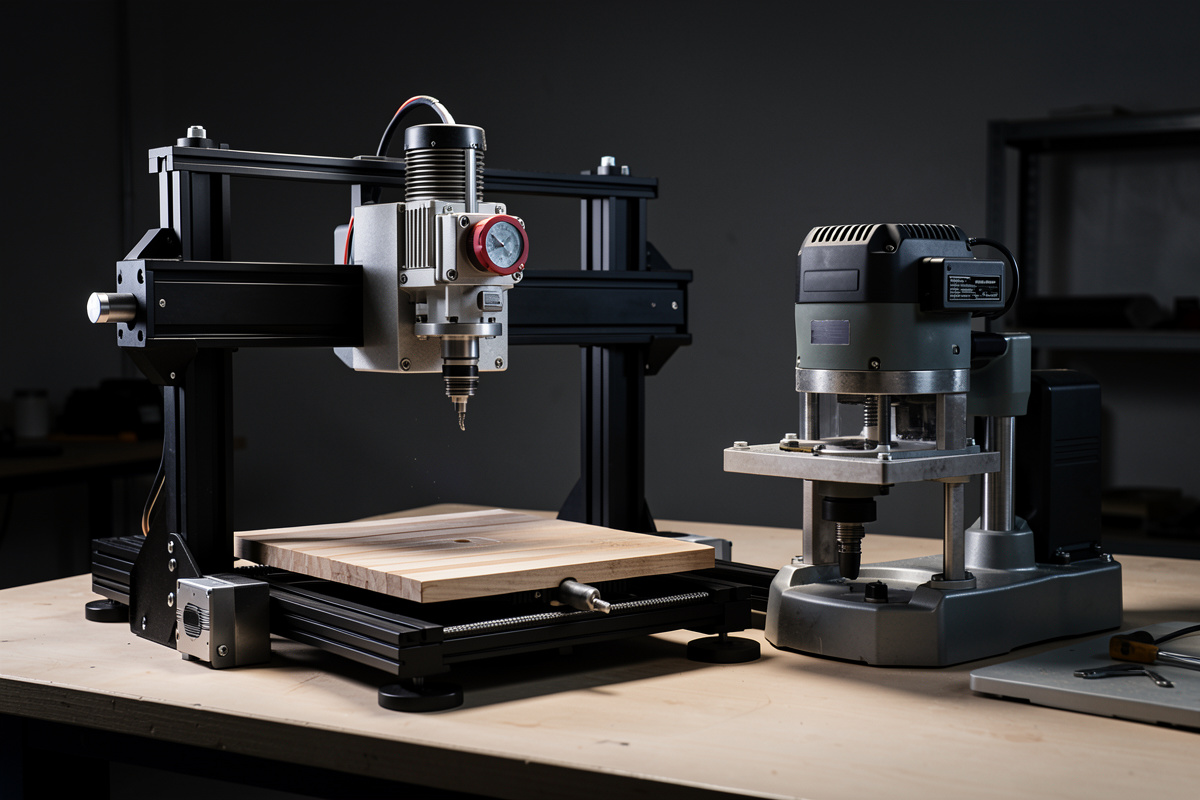
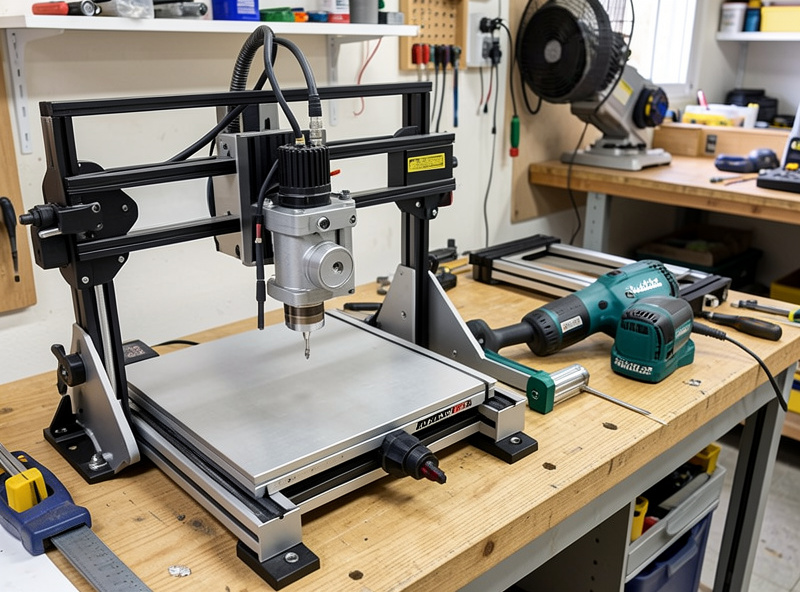
The router that shipped on your desktop CNC — a Makita-class trim router or a DeWalt clamped into the gantry mount — is one of the best value-for-money tools in the whole machine. It’s also the first upgrade most operators talk themselves into and then second-guess. The question isn’t whether a VFD spindle is “better.” It’s whether the specific way it’s better matters for the cuts you actually run. Spend the money for the wrong reasons and you’ve added weight, wiring, and complexity to make signs that the router was already cutting fine. Spend it for the right reasons and you unlock metal, quiet, and unattended runtime the router will never give you.
The router on my Shapeoko Pro got swapped for a 65mm 1.5kW air-cooled VFD spindle years ago, and I’ve run an air-cooled and a water-cooled unit side by side on the bench since. This is the honest decision guide I wish I’d had — what the spindle genuinely buys you, what the router still does perfectly well, and where the upgrade quietly costs you more than the sticker price. If your real frustration is rigidity or feeds rather than the cutter, the upgrade path runs through a different door entirely, and I’ll point at it.
A quick note: some links below are affiliate links. Buy through one and I may earn a small commission at no extra cost to you. I only point to gear I’d actually bolt onto my own gantry — details on my disclaimer page.
What Actually Changes When You Swap the Router for a Spindle
Strip away the marketing and a VFD spindle changes four things that matter and a couple that don’t. The four that matter: torque behavior across the RPM range, runout, noise, and the ability to run for hours unattended. The trim router is a fixed-speed-ish universal motor that makes its power at high RPM and falls off a cliff when you ask it to turn slowly. A VFD spindle is an asynchronous motor driven by a variable frequency drive that holds usable torque much lower in the range and lets you actually dial RPM to the cutter and material instead of picking from a thumbwheel marked 1 through 6.
The thing that doesn’t change as much as people hope: raw horsepower in soft material. A good trim router has plenty of power to push a 1/4-inch bit through plywood and hardwood all day. If your workshop never touches metal and never runs jobs longer than a podcast episode, the spindle’s headline advantages are mostly things you won’t feel. That’s the uncomfortable truth the upgrade videos skip — the router isn’t holding most hobby work back, the gantry and the workholding are. Before you spend on a spindle, be honest about which one is actually limiting you.
Torque at Low RPM Is the Real Headline
This is the one that earns the money, and it’s the least understood. A universal-motor trim router makes its rated power near the top of its RPM band — typically 10,000 to 30,000 RPM. Ask it to spin a large-diameter cutter slowly, and it bogs, loses torque, and stalls under load. That matters because surface speed, not RPM, is what the material cares about. A 1/2-inch surfacing bit or a large fly-cutter wants to turn at a few thousand RPM to keep its edge speed sane in wood, and far slower still in aluminum. The router physically cannot do that with authority — it has no usable torque down there.
A VFD spindle holds far more of its rated torque across the range, so you can run a big surfacing bit at sane RPM without it bogging, and you can drop into the low thousands for aluminum where the chipload math demands it. This is exactly why metal is on the table with a spindle and effectively isn’t with a router. If you’ve ever fought your router to surface a spoilboard with a big bit, or watched it bog the moment a wide cutter loaded up, you’ve felt the ceiling. The way I dial feeds for a wide cutter changed completely once the spindle let me pick the RPM the cut actually wanted instead of the only one the router would hold. For the underlying logic, my feeds and speeds chart and the tooling fundamentals primer walk through why surface speed drives all of this.
Aluminum: The Capability the Router Can’t Fake
If there’s one job that justifies a spindle on a hobby machine, it’s cutting 6061 aluminum as a routine rather than a stunt. Aluminum wants a low surface speed, a real chipload, and a motor that won’t bog when an adaptive pass loads up — and it punishes everything a router does badly. Run aluminum too fast (which a router forces you to, because it can’t hold torque slow) and the chips don’t clear, they weld to the cutter, and a chip-welded single-flute snaps in the next pass. The spindle lets me drop the RPM into the right band, pair it with the right chipload, and run mist or air so the chips evacuate instead of recutting.
I won’t oversell it — a hobby gantry cutting aluminum is still a rigidity-limited compromise, with shallow depths of cut, adaptive clearing, and patience standing in for the mass an industrial VMC brings. Production-shop operators run coolant floods and machine frames that weigh more than my whole bench, and that’s a genuinely different league. But the difference between “aluminum is occasionally possible if I baby it on the router” and “aluminum is a routine material I plan jobs around” is the spindle. My aluminum feeds and speeds breakdown covers the chipload and depth numbers that actually keep the cutter alive.
Noise, Runout, and the Quality You Can Measure
Two more advantages are easy to dismiss until you live with them. The first is noise. A trim router at full RPM is a screaming universal motor — the loudest thing in my workshop by a wide margin, ear protection mandatory. A VFD spindle is dramatically quieter; the dominant sound becomes the cut and the dust collection, not the motor. On a long job that’s not a luxury, it’s the difference between being in the same room and fleeing it. In a shared Sweden workshop where the spindle runs while I’m doing something else, quiet is half the reason I’d never go back.
The second is runout — how much the tool wobbles off the true axis of rotation. Cheap router collets and bearings often carry more runout than a decent spindle with quality ER collets, and runout shows up as a worse finish, shorter tool life, and uneven loading on small bits that snaps them. A spindle with a good ER collet set grips concentrically and repeatably, and on small-diameter cutters that lower runout directly buys you finish and tool life. It’s not magic — a bad spindle with a sloppy collet can be worse than a good router — but a quality unit set up right measurably out-finishes the router on the fine stuff.
Air-Cooled vs Water-Cooled: Picking the Spindle Itself
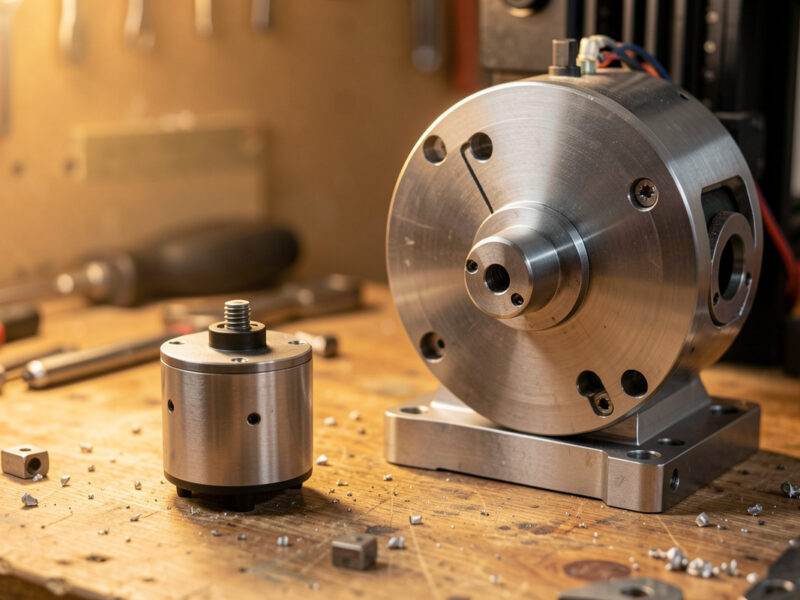
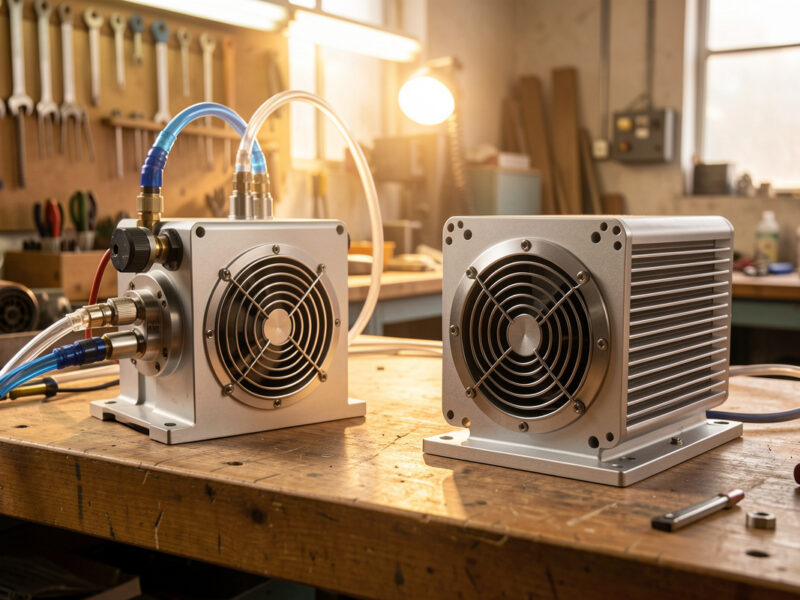
Once you’ve decided to upgrade, the next fork is cooling, and I’ve run both. Air-cooled spindles have an internal fan and need nothing but power and signal wiring — simpler to install, no plumbing, no reservoir, no risk of a leak over your electronics. The trade is a bit more noise from the fan and slightly lower sustained duty under heavy continuous load. For most hobby work, including the way I run my 1.5kW air-cooled unit daily, air-cooled is the sensible default and the one I’d recommend to most people upgrading.
Water-cooled spindles are quieter still and shrug off long continuous heavy cuts because the coolant loop carries heat away far better than a fan. The cost is a pump, a reservoir, tubing, and the standing job of keeping coolant topped up and clean — plus the genuine, if small, risk of a leak near live electronics if you’re careless with the routing. Unless you’re running long aluminum sessions or want the absolute quietest setup, the water loop is more system than most benches need. A typical VFD spindle and drive kit comes matched as spindle-plus-VFD; buy them as a set so the drive is sized to the motor rather than gambling on a mismatch.
VFD Wiring and 0-10V Control: The Part People Underestimate
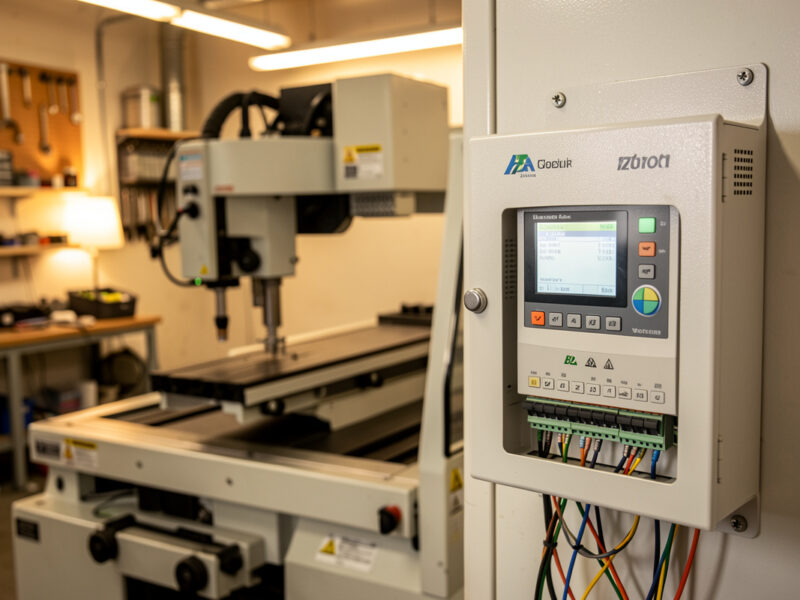
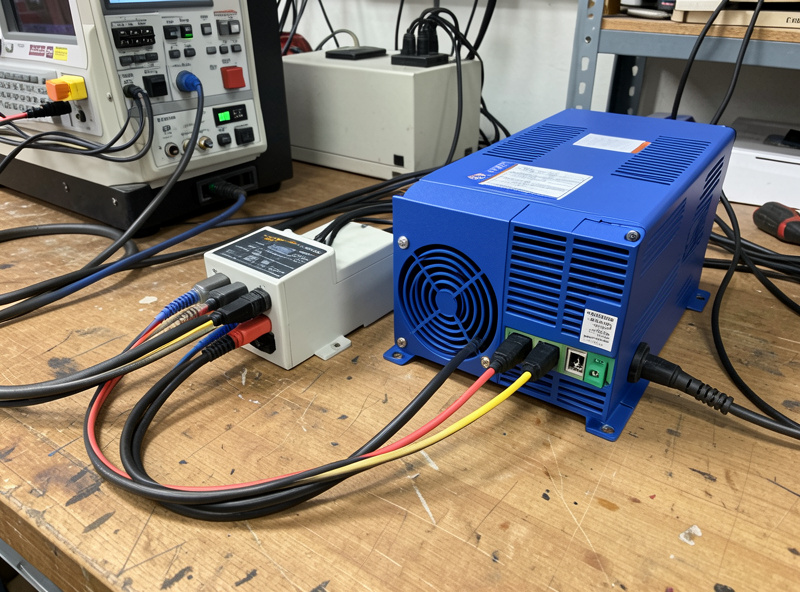
Here’s where the upgrade stops being a bolt-on and becomes a small project. The VFD is the brains — it converts your incoming power to the variable frequency the spindle needs, and it has to be set up with the right motor parameters (frequency, voltage, current limits) or you’ll cook the spindle or trip the drive. That’s parameter programming, not plug-and-play, and it’s the step that intimidates people for good reason: get the parameters wrong and you’ve got an expensive paperweight.
Then there’s control. The real payoff is letting your CNC controller command the spindle speed automatically from the G-code, which on most hobby setups means a 0-10V analog signal from the controller to the VFD’s analog input. Wire that correctly and an S-word in your G-code sets the RPM the way it’s supposed to; skip it and you’re setting speed by hand on the VFD panel every job, which throws away half the reason you upgraded. None of this is beyond a careful hobbyist, but budget an afternoon, respect the mains wiring, and don’t energize anything you’re unsure about. If electrical work near a machine that moves isn’t your comfort zone, that’s a legitimate reason to think twice — and a good moment to revisit my safe workshop setup guide before you start.
Mounting Weight: The Cost Nobody Mentions
A water-cooled 2.2kW spindle can weigh several kilograms — far more than the trim router it replaces — and all of that hangs off the Z-axis and loads the gantry. On a stout machine that’s a non-issue; on a lighter belt-driven gantry, the extra mass can worsen deflection, slow your safe acceleration, and stress the Z lead-screw or belt. This is the trap I see most often: someone bolts a heavy spindle onto a flexy machine hoping for better cuts and instead makes the gantry sag and chatter worse than the router ever did, because the limiting factor was never the cutter.
If your machine is already rigidity-limited, a heavy spindle can be the wrong upgrade entirely — the money would do more spent on stiffening the gantry, tightening the rails, or moving up a machine class. The whole point of the desktop CNC buyer’s logic is matching the upgrade to the bottleneck. A 1.5kW air-cooled unit is a reasonable weight for most desktop gantries; a big water-cooled spindle on a light belt machine is asking the frame for something it can’t give. Mount it with a properly sized spindle mount clamp matched to the spindle’s body diameter — 65mm and 80mm are the common sizes — because a sloppy mount adds its own runout and undoes the rigidity you paid for.
Router vs Air-Cooled Spindle vs Water-Cooled Spindle
| Factor | Trim router | Air-cooled VFD spindle | Water-cooled VFD spindle |
|---|---|---|---|
| Torque at low RPM | Poor (bogs) | Good | Good |
| Noise | Loud | Quiet | Quietest |
| Runout | Higher (varies) | Low (good ER collet) | Low (good ER collet) |
| Aluminum capability | Marginal | Routine | Routine, best sustained |
| Install complexity | Plug and go | VFD wiring + 0-10V | VFD wiring + coolant loop |
| Weight on Z/gantry | Light | Moderate | Heavy |
| Maintenance | Brushes wear | Minimal | Coolant upkeep, leak risk |
| Cost (with VFD) | Lowest | Mid | Highest (system) |
So Is the Upgrade Worth It?
Here’s how I’d call it after years on both. Keep the router if your work is soft wood, MDF, plastics, and signs, your jobs are short, and the machine already cuts those cleanly — the router is genuinely fine and the spindle’s advantages are things you won’t feel. Upgrade to an air-cooled spindle if you want to cut aluminum routinely, you run long jobs and want quiet, you want the controller setting RPM from G-code, or you keep hitting the router’s no-torque-at-low-RPM wall on big bits. Step up to water-cooled only if you run sustained heavy aluminum or want the quietest possible bench and you’re comfortable maintaining a coolant loop.
The one piece of advice I’d underline: don’t buy a spindle to fix a problem the spindle doesn’t own. If your parts chatter, your finish is poor, or bits keep snapping, the culprit is far more often rigidity, workholding, or feeds than the cutter — start with my troubleshooting guide and the right router bit selection before you spend on a spindle. Diagnose the bottleneck first; then the spindle is either the obvious answer or obviously not. That’s the whole decision.
Frequently Asked Questions
Is a VFD spindle better than a router for a desktop CNC?
It depends on your work. A VFD spindle holds torque at low RPM, runs far quieter, has lower runout, and makes aluminum a routine material. For soft wood, MDF, plastics, and short sign jobs, a trim router is genuinely fine and the spindle advantages are things you may never feel.
Can I cut aluminum with a router instead of a spindle?
Marginally. A router cannot hold torque at the low RPM aluminum needs, so it forces you too fast, the chips weld to the cutter, and the bit snaps. A VFD spindle lets you drop into the right RPM band with the right chipload and air or mist, which is what turns aluminum from a stunt into a routine job.
Should I get an air-cooled or water-cooled spindle?
Air-cooled is the sensible default for most hobby benches: simpler to install, no plumbing, no leak risk. Water-cooled is quieter still and better for long continuous heavy cuts, but it adds a pump, reservoir, tubing, and the standing job of keeping coolant clean. Choose water-cooled only for sustained aluminum or maximum quiet.
How do I control spindle RPM from my CNC controller?
Most hobby setups use a 0-10V analog signal from the controller to the VFD analog input, so an S-word in your G-code sets the RPM automatically. You also program the VFD with the correct motor parameters first. Skip the control wiring and you set speed by hand on the VFD panel every job.
Will a heavy spindle hurt my CNC gantry?
It can. A water-cooled spindle weighs several kilograms more than a trim router and that mass loads the Z-axis and gantry. On a light belt-driven machine it can worsen deflection and chatter. If your machine is already rigidity-limited, stiffening the frame is often a better use of money than a heavy spindle.