Safety first. The following information is for educational purposes. CNC machining involves high-speed rotating cutters. Always wear eye and ear protection, never leave a running machine unattended, and verify all feeds and speeds for your specific setup.
RPM is not the number you set first — chipload is. You pick a target chip thickness for the material and tool, and RPM falls out of two limits: the surface speed the material tolerates and what your machine can actually push. Roughly, wood and plastic want high RPM near 16,000 to 18,000, while 6061 aluminum wants low RPM around 8,000 to 12,000 with a single flute. Get the chipload right and the RPM almost picks itself.
This is the thinking that took me from breaking bits to finishing parts on the machines I run. The bit-maker chart is a starting point, not a recipe; it does not know your gantry rigidity, your workholding, or how deep you are cutting. Below is how I reason about RPM by material, the chipload logic underneath it, and a table of where I actually land. It sits under the CNC spindle and router guide, and pairs with the broader feeds and speeds chart and the end mills guide where the tool choices live.
Why RPM is the wrong place to start
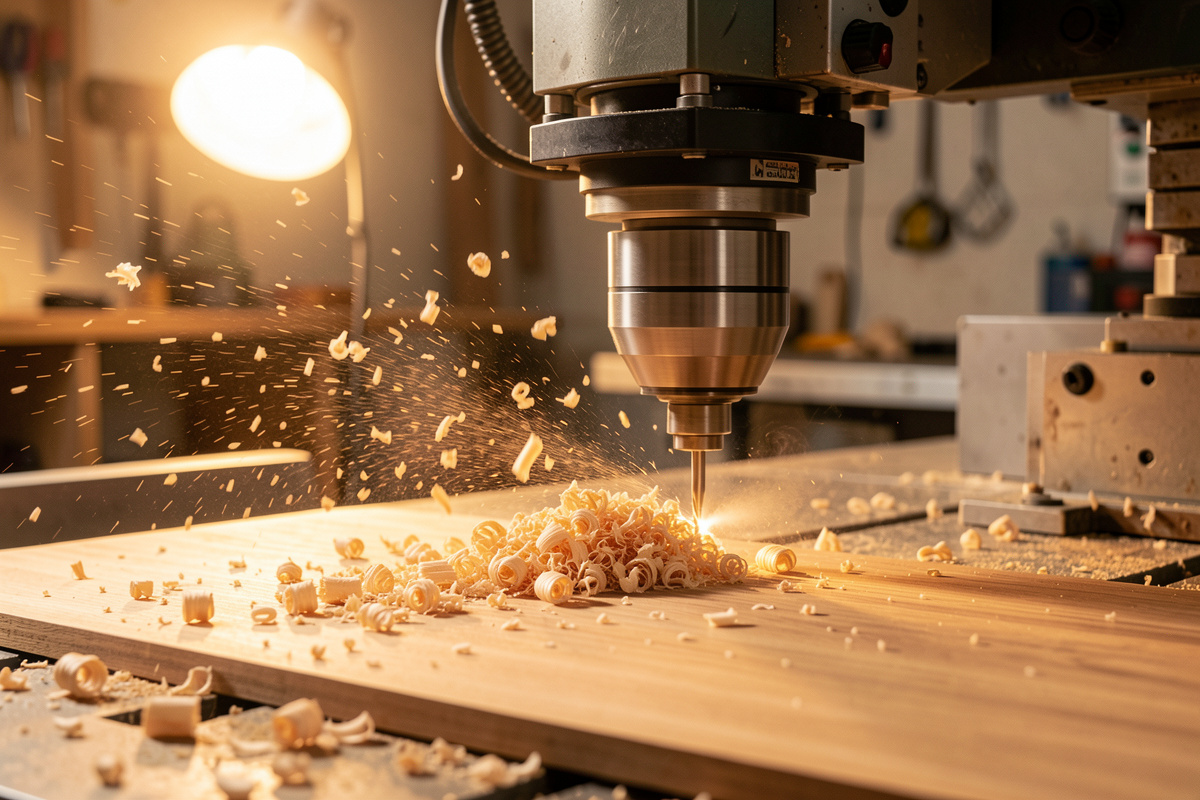
Chipload is the thickness of material each flute removes per revolution, and it is the real driver of cut quality and tool life. Too thin a chip and the tool rubs instead of cutting, generating heat that dulls the edge and, in metal, welds chips to it. Too thick and you overload the flute and snap the bit. RPM only matters as one of the levers that sets chipload — it is a means, not the goal.
So the order of operations is: choose a chipload for the material and tool diameter, cap RPM at what surface speed and your machine allow, then calculate the feed that delivers that chipload. People who set RPM first and guess at feed are working backward, which is why their cuts melt plastic or burn wood. Start with the chip, and the speeds stop being mysterious. This is also why a spindle that holds torque at low RPM matters so much for metal, a point I make in the router vs spindle comparison.
The formula that ties it together
The arithmetic is simple: feed = RPM × number of flutes × chipload. If you run a 1/4″ two-flute in hardwood at 18,000 RPM with a 0.1 mm chipload, your feed is 18,000 × 2 × 0.1 = 3,600 mm/min. Change any one input and the others move to keep the chip in range. That single equation is the whole game.
Flute count is the lever people forget. A single-flute tool at the same RPM and feed doubles the chipload of a two-flute, which is exactly why single-flutes are the right choice in plastics and aluminum — they take a bigger bite and clear the chip before it can melt or weld. Two-flute and compression bits suit wood where finish and edge quality matter more than aggressive chip clearance. Match the flute count to the material first, then the RPM and feed follow. Downcut, upcut, and compression geometry change the result too, covered in downcut vs upcut router bits.
Wood and MDF: high RPM, generous feed
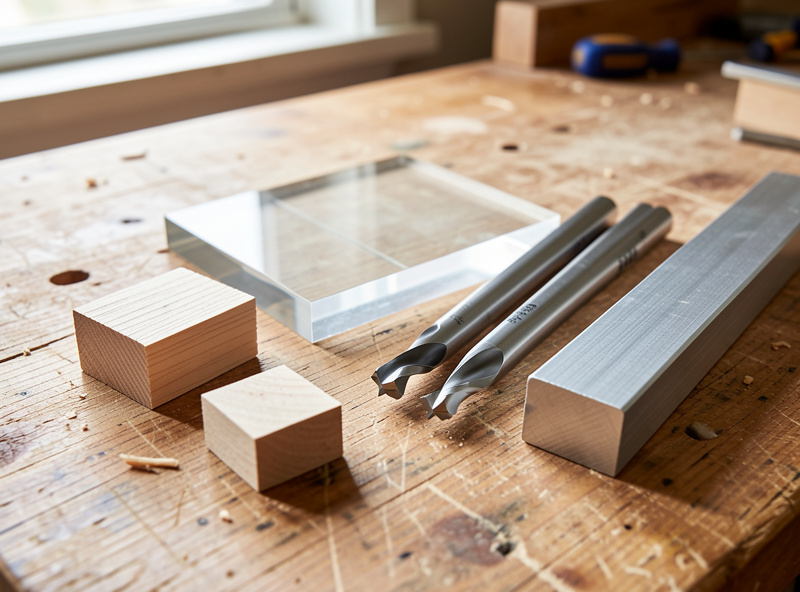
Wood is forgiving and wants speed. I run hardwoods like oak, maple, and walnut around 16,000 to 18,000 RPM with a 1/4″ two-flute or compression bit, chipload near 0.1 to 0.15 mm, and feeds in the 2,500 to 4,000 mm/min range depending on the machine. MDF and plywood take the same high RPM happily; MDF is abrasive and dulls bits faster, so a sharp tool matters more than a clever speed.
The failure mode in wood is burning, and it comes from too little feed at high RPM — the bit dwells and scorches instead of cutting. If you see burn marks, raise the feed before you drop the RPM; you want a bigger chip carrying heat away. A compression bit gives clean top and bottom edges in plywood, which is why it lives in my collet for cabinet and panel work. The full tested settings for hardwoods are in CNC cutting hardwood.
Plastics and acrylic: watch for melting
Plastics live or die on heat management. Acrylic, HDPE, and Delrin melt if the chip is too small, because a thin chip dumps friction heat straight into the material instead of carrying it off. The fix is a single-flute O-flute bit that takes a big, clean chip and evacuates it, run at a moderate RPM around 16,000 to 18,000 with enough feed to keep the chip thick.
If acrylic edges come out gummy or re-welded, your chip is too small — raise the feed or drop the RPM until the chips come off as discrete curls, not melted strings. Chip evacuation matters as much as the speed here; a chip that gets recut melts instantly, so good dust extraction or an air blast keeps the slot clear. My acrylic settings, including the single-flute logic, are in CNC acrylic settings.
Aluminum and brass: low RPM, single flute, and air
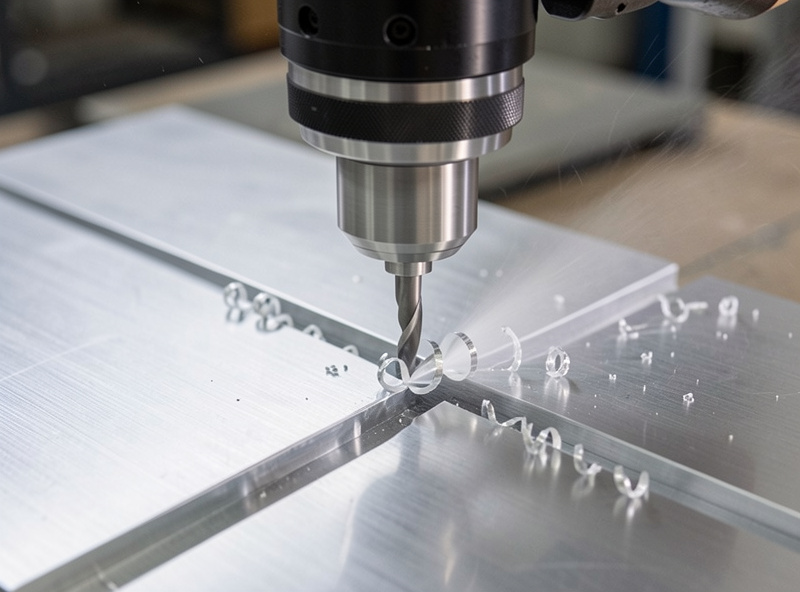
Metal flips the script. The surface speed carbide tolerates in 6061 forces low RPM — the surface-speed (SFM) ranges the Machinery’s Handbook lists for non-ferrous carbide cutting cap it, and pushing past them just overheats the edge. For a 1/4″ single-flute I run roughly 8,000 to 12,000 RPM with a small chipload around 0.04 to 0.06 mm, shallow depths of cut, climb milling, and adaptive clearing so the tool is never buried. Brass is more forgiving and free-machining, happy around 10,000 to 15,000 RPM. This low-RPM-with-torque demand is exactly where a trim router fails and a VFD spindle earns its place.
The two things that break tools in aluminum are heat and recutting. Without air or a mist of lubricant, chips weld to the flutes, and a welded chip is a broken bit moments later; a simple air blast clearing the slot is the cheapest insurance there is. Keep depths shallow, let adaptive clearing maintain a constant tool load, and never let chips pile up to be recut. The complete tested approach, including toolpath strategy, is in CNC aluminum feeds and speeds.
| Material | Bit (flutes) | RPM | Chipload (per tooth) | Notes |
|---|---|---|---|---|
| Softwood | 2-flute up/down | 16,000–18,000 | 0.13–0.30 mm | Raise feed if it burns |
| Hardwood | 2-flute / compression | 16,000–18,000 | 0.10–0.15 mm | Compression for clean edges |
| MDF / plywood | 2-flute / compression | 18,000 | 0.10–0.20 mm | Abrasive — dulls bits fast |
| Acrylic / HDPE | 1-flute O-flute | 16,000–18,000 | 0.10–0.20 mm | Keep chip thick to avoid melting |
| 6061 aluminum | 1-flute single | 8,000–12,000 | 0.04–0.06 mm | Air/mist, shallow DOC, climb |
| Brass | 1- or 2-flute | 10,000–15,000 | 0.03–0.06 mm | Free-machining, forgiving |
How your machine and bit limit RPM
The chart is a starting point, and your machine has the final say. A flexy belt-driven gantry cannot push the feeds a rigid ball-screw machine can, so on a lighter setup you reduce chipload and depth rather than chasing the book numbers. Smaller bits raise the RPM ceiling because surface speed scales with diameter — a 1/8″ tool in aluminum spins faster than a 1/4″ for the same surface speed, but it also deflects more and breaks easier.
Your spindle imposes its own floor: an induction spindle should not run below roughly 6,000 to 7,000 RPM, so very low surface speeds in tough material mean a smaller tool, not a slower spindle. Bit stick-out, runout, and deflection all eat into what you can run, which is why I treat workholding and a true-running collet as part of the speeds-and-feeds conversation, not separate from it. Tune down from the chart when the cut chatters, and up when it sounds lazy — the cut tells you. The setup side of that is in spindle runout and bearing maintenance and the workholding guide.
Frequently Asked Questions
Should I set RPM or feed rate first?
Neither. Set chipload first, the thickness of material each flute removes. Then cap RPM at what surface speed and your machine allow, and calculate feed from feed equals RPM times flutes times chipload. Setting RPM first and guessing feed is why cuts melt or burn.
What RPM should I use to cut aluminum?
For 6061 with a 1/4-inch single-flute, roughly 8,000 to 12,000 RPM with a chipload near 0.04 to 0.06 mm, shallow depths, climb milling, and adaptive clearing. Add air or mist to clear chips, because welded chips break tools almost instantly.
Why does my acrylic melt when cutting?
Your chip is too thin, so friction heat goes into the plastic instead of being carried away. Use a single-flute O-flute bit, raise the feed or lower the RPM until chips come off as discrete curls, and keep the slot clear so chips are not recut and melted.
What RPM is best for cutting hardwood?
Around 16,000 to 18,000 RPM with a 1/4-inch two-flute or compression bit and a chipload near 0.10 to 0.15 mm. If the wood burns, raise the feed rather than dropping RPM, since burning comes from the bit dwelling with too small a chip.
How does flute count change the RPM and feed?
Feed equals RPM times flutes times chipload, so a single-flute takes a bigger bite per revolution than a two-flute at the same speed. Single-flutes suit plastics and aluminum for chip clearance; two-flute and compression bits suit wood for edge finish.
Can I just use the bit manufacturer chart?
As a starting point only. The chart does not know your gantry rigidity, workholding, or cut depth. Tune down from it when the cut chatters and up when it sounds lazy, and reduce chipload and depth on a lighter, flexier machine.