Safety first. The following information is for educational purposes. CNC machining involves high-speed rotating cutters. Always wear eye and ear protection, never leave a running machine unattended, and verify all feeds and speeds for your specific setup.
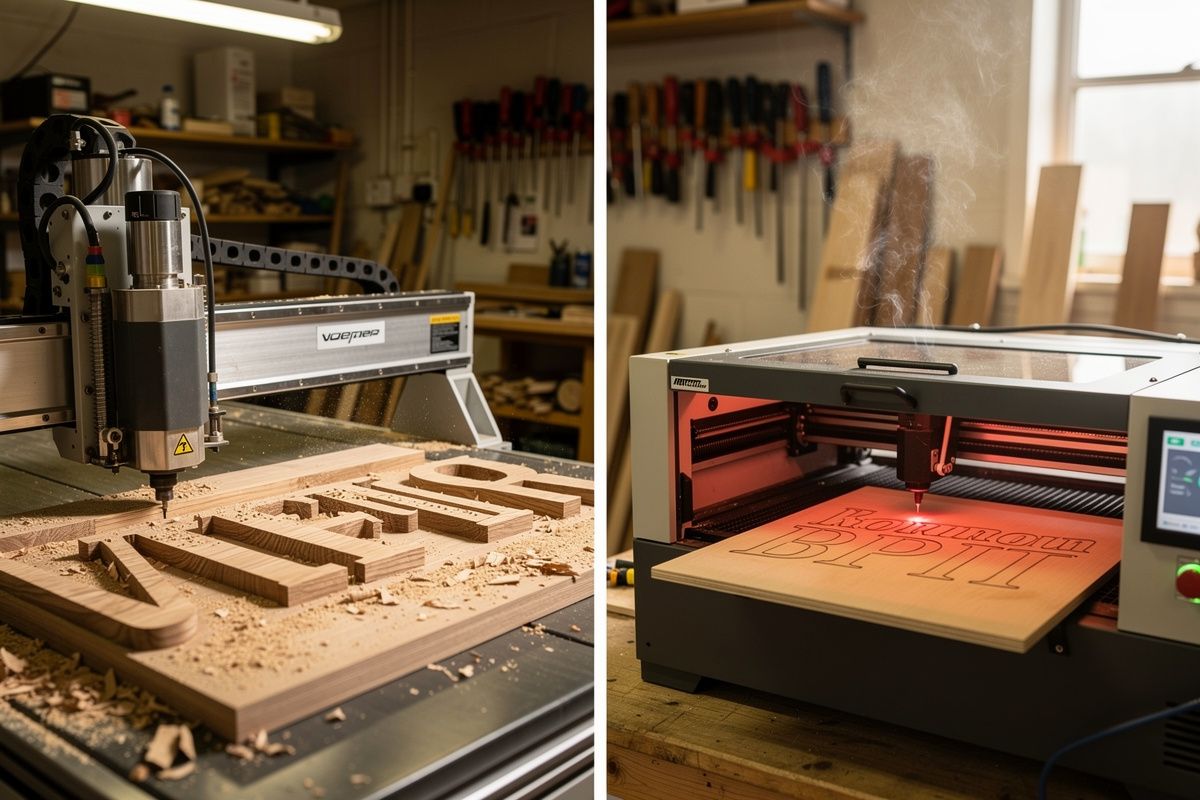
For custom wood signs, a CNC router gives you 3D depth, V-carved lettering, and the ability to cut thick stock; a laser engraver gives you fine detail, fast batch turnaround, and clean photographic engraving. The choice usually comes down to one question — does the sign need depth or detail? Three-dimensional V-carved house numbers in 25 mm-thick walnut belong on a CNC; engraved photo plaques on 6 mm baltic birch belong on a laser. Most other signs can go either way, and the deciding factor becomes thickness, batch size, and which tool you already own.
This guide compares the two methods across the 8 metrics that matter for sign work — depth, edge quality, batch speed, material range, fume/dust handling, finishing labour, cost per sign, and learning curve. The companion piece on laserbeamforge.com goes the other direction: laser cut vs CNC router for plywood, MDF, and acrylic covers the cutting side; this article focuses specifically on signs.
Depth vs Detail: The Fundamental Trade
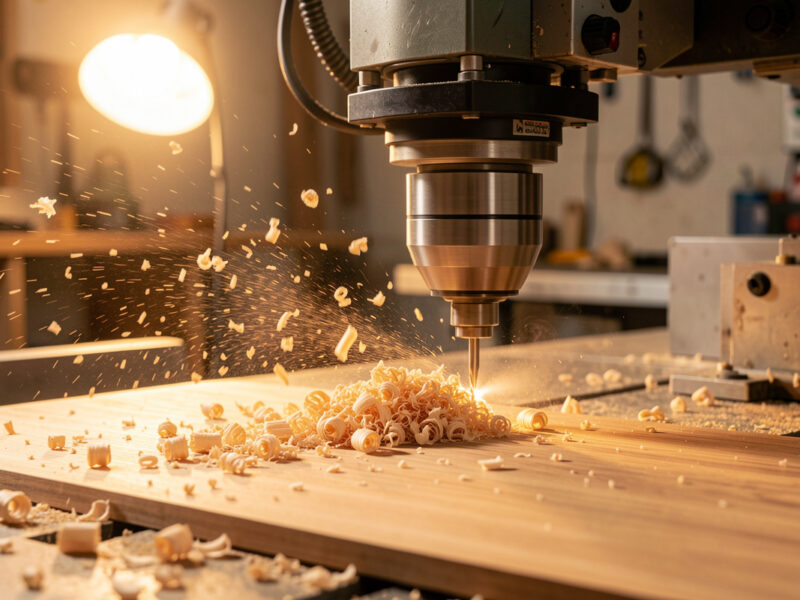
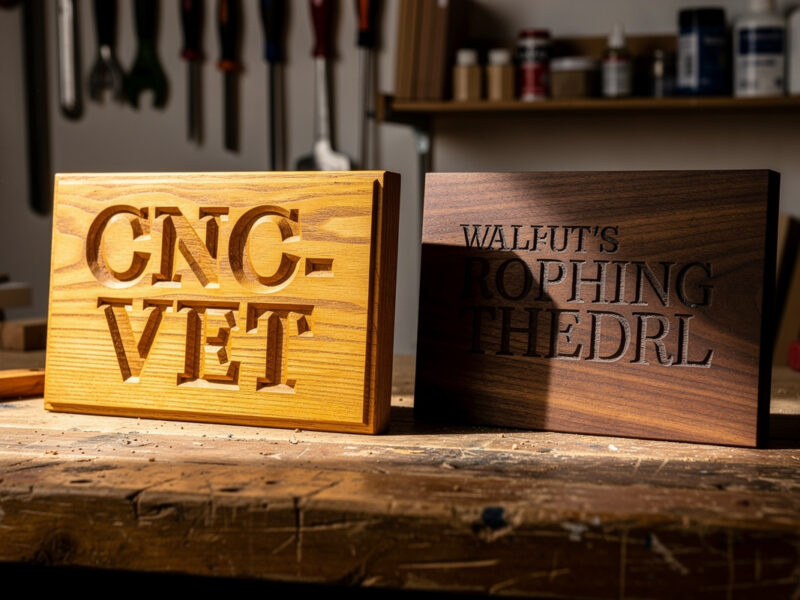
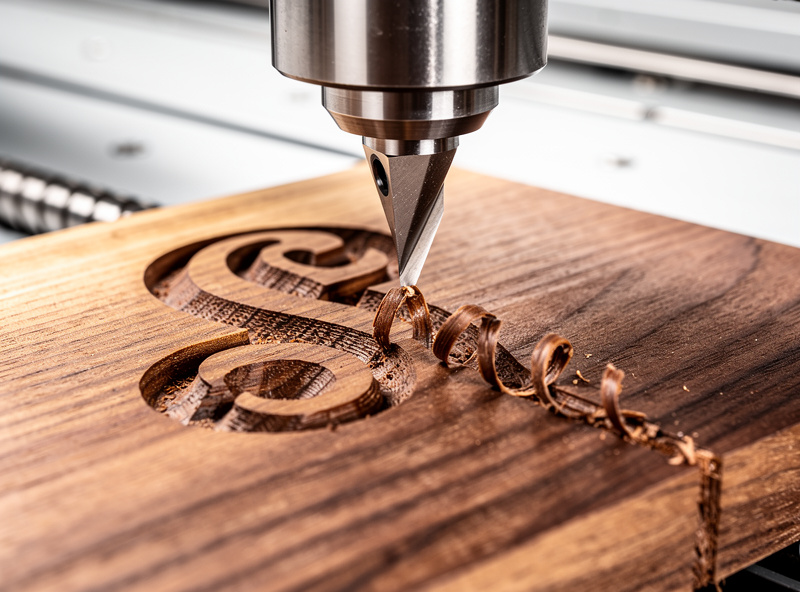
A CNC router removes material in three dimensions — its V-bit can carve a 6 mm-deep “Welcome” with crisp serif edges in oak, and a 30° V-bit produces a chiseled-letter look that no laser can match. The minimum feature size on a 60° V-bit at standard feeds is roughly 0.3 mm, plenty for most lettering.
A laser engraves at the surface only — typical engraving depth is 0.3–1.5 mm in wood, 2 mm at the absolute maximum on a 60 W CO2 with multi-pass. The minimum feature size on a properly focused 0.1 mm beam is 0.1 mm, an order of magnitude finer than the CNC. Photographs, fine line art, and small text below 6 mm height all favor the laser.
The shorthand: if the sign needs to be felt by hand, use CNC. If the sign needs to be seen at close range, use laser.
Edge Quality on Cut Lines
For signs that need their outer profile cut (badge-style signs, plaque cutouts), edge quality differs significantly. CNC routers leave a clean square or beveled edge depending on bit; the cut surface is smooth enough to finish with light sanding. Lasers leave a slight charred edge — visible on light woods, often desired on dark woods. The char wipes off oak and walnut with mineral spirits but stains baltic birch and pine permanently.
For sign material selection that suits each method, the best wood for laser engraving guide documents the species that take laser char gracefully versus those that look burned. CNC has fewer constraints — almost any wood machines well at the right feeds.
Batch Speed for Repeat Runs
For 1–10 signs the methods are roughly equal — setup time dominates. From 25 signs upward the laser pulls clearly ahead because it engraves a flat batch panel of 25 plaques in one pass, while the CNC must traverse each plaque sequentially.
Concrete numbers from a small shop running 8×12 inch signs:
- CNC router with V-bit, oak, 4 mm-deep V-carve text: 6 minutes per sign + 4 minutes setup = 10 min/sign on small batches; ~7 min/sign at scale
- 40 W CO2 laser, baltic birch, raster engrave + cut: 4 minutes per sign + 2 minutes setup = 6 min/sign on small batches; ~4 min/sign at scale (pre-loaded jig)
- 60 W CO2 laser, same: ~3 min/sign at scale
On a 50-sign run, the laser finishes in 3.5 hours, the CNC in 6 hours. On a 5-sign run, both finish in 30–45 minutes.
Material Range
CNC handles essentially any wood, plus aluminium, brass, plastics (HDPE, acrylic, Delrin), and even some stone (with diamond bits). Maximum material thickness is bound by Z-axis travel — desktop CNCs typically reach 60–100 mm thick stock.
Laser handles wood, leather, paper, fabric, acrylic, glass (engraving only), slate, ceramic (with marking spray). It cannot cut metal at desktop power levels (up to 60 W CO2). Maximum thickness depends on power: a 40 W CO2 cuts 6 mm baltic birch reliably and 10 mm with multi-pass. A 60 W CO2 cuts 12 mm baltic birch reliably.
For thick or 3D signs, CNC wins by default. For thin flat signs, laser wins.
Fume and Dust Handling
CNC produces sawdust — substantial volume, easy to handle with a shop vacuum and a dust shoe on the spindle. Most desktop CNCs run cleanly indoors with adequate dust collection.
Laser produces fume and smoke that varies dramatically by material. Wood produces tar and visible smoke; acrylic produces strong-smelling fumes. Both require external venting through a 4-inch duct or a HEPA-plus-carbon filter unit. Laser cabinets in unventilated spaces fill with smoke and stain the laser optics within hours.
For garage shops, CNC is the easier integration. For dedicated workshop or basement with venting, laser is fine.
Finishing Labour Per Sign
Finishing time after the machine completes is often where the real cost-per-sign lives. CNC signs typically need 5–10 minutes of light sanding (especially on V-carve internal corners) plus the same finishing oil/poly any wood project gets. Laser-engraved signs need 2–5 minutes of char clean-up on the engraved areas (mineral spirits and a shop rag) plus finishing.
For text-heavy signs the laser wins — engraving doesn’t generate the fine fuzz inside letters that CNC bits produce. For deep-relief signs CNC wins because there’s nothing to clean up after, just sanding.
Approximate Cost Per Sign
Tracked across 6 months of small-shop output:
- CNC oak V-carve plaque (8×12 inch): $4.20 oak + $0.30 bit wear + $0.80 finish = $5.30 material; $7.50 labour at 7 min @ $65/hr = ~$13/sign
- Laser baltic birch engraved sign (8×12 inch): $1.80 birch + $0.10 laser tube wear + $0.50 finish = $2.40 material; $4.30 labour at 4 min @ $65/hr = ~$7/sign
The laser is cheaper per sign in materials and labour. CNC produces a perceived-higher-value sign that retails for more. Net margin depends on your market — premium custom signs justify CNC; volume gift signs favour laser.
Learning Curve
CNC has the steeper curve. CAM software (Vectric VCarve, Carbide Create, Fusion 360 CAM) requires understanding feeds, speeds, bit selection, climb vs conventional milling, and Z-axis homing. First sign typically takes 8–12 hours of trial and error to produce a clean output. The CAM software cluster walks through that learning curve.
Laser is friendlier — LightBurn or LaserGRBL exposes power and speed sliders, and the test grid technique (run a 5×5 grid at varying power/speed combinations) calibrates a new wood species in 20 minutes. First clean engrave usually happens within 2–3 hours of unboxing.
When to Use Which (Decision Shortcuts)
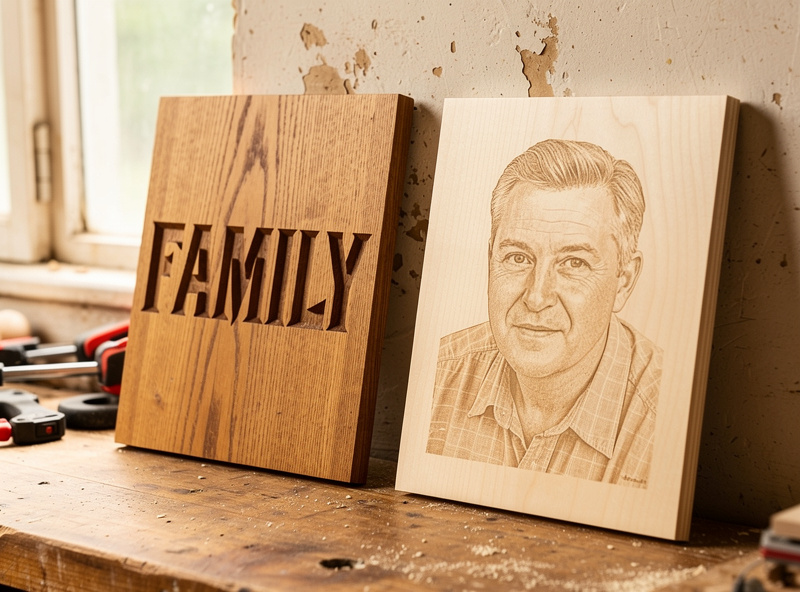
- 3D carved house numbers, deep relief signs, tactile signs — CNC every time
- Photo-on-wood plaques, fine portrait engraving — laser every time
- Small batch (under 10) of mixed designs — whichever you own
- Large batch (50+) of identical signs — laser usually wins on speed and labour
- Aluminium or brass plaques — CNC (engraving) or fiber laser; CO2 laser cannot cut metal
- Acrylic signs with cut-through profile — laser (cleaner edge than CNC on acrylic)
- Thick stock over 12 mm — CNC; lasers struggle
Frequently Asked Questions
Can I make wooden signs with a laser instead of a CNC router?
Yes, a 40 watt or larger CO2 laser engraves and cuts wooden signs cleanly up to 6 millimetres thick at single-pass and 10 millimetres with multi-pass. Laser engraving wins on detail and batch speed but cannot produce the V-carved 3D depth a CNC delivers.
Which tool produces a higher-value finished sign?
CNC-routed V-carved signs typically retail for 30 to 60 percent more than equivalent laser-engraved signs because the tactile depth signals craft. Laser-engraved signs win on speed and unit margin in volume markets like wedding favors and personalised gifts.
Do I need a CNC and a laser, or can one tool cover all sign work?
One tool covers most sign work, with caveats. A CNC handles deep, thick, and metal signs but loses on fine detail and batch speed. A laser handles flat, detailed, and high-volume signs but cannot cut metal or produce 3D depth. Many sign shops eventually run both for the full coverage.
What is the smallest sign size each tool handles well?
CNCs handle reliably down to roughly 50 by 50 millimetres before workholding becomes the limiting factor. Lasers handle down to 10 by 10 millimetre signs comfortably because the part stays still and the laser moves. For micro-signs and pendants, laser wins.
Can a CNC engrave photographs onto wood?
Technically yes with a halftone or stipple toolpath at very fine bit diameter, but the result is much coarser than laser photo engraving. Halftone CNC photos resolve to roughly 2 millimetre dot pitch; laser photos resolve to 0.1 millimetre. For photographic work, the laser is the right tool.
Which tool is faster to learn?
The laser. Most beginners produce a clean first engrave within 2 to 3 hours of setup. CNC routers typically take 8 to 12 hours of practice before the first acceptable sign comes off the machine because CAM, feeds and speeds, and bit selection are all learned together.
Can both tools work on the same project?
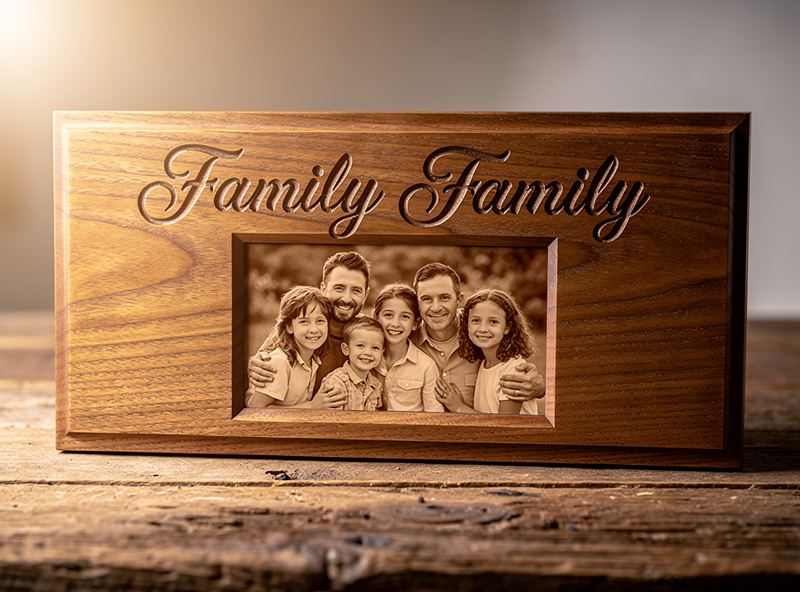
Yes, and many sign makers do this. CNC roughs out a deep border or 3D feature, then the laser adds fine engraved detail or photographic content in the recessed area. The combined process produces signs neither tool could deliver alone.