Safety first. The following information is for educational purposes. CNC machining involves high-speed rotating cutters. Always wear eye and ear protection, never leave a running machine unattended, and verify all feeds and speeds for your specific setup.
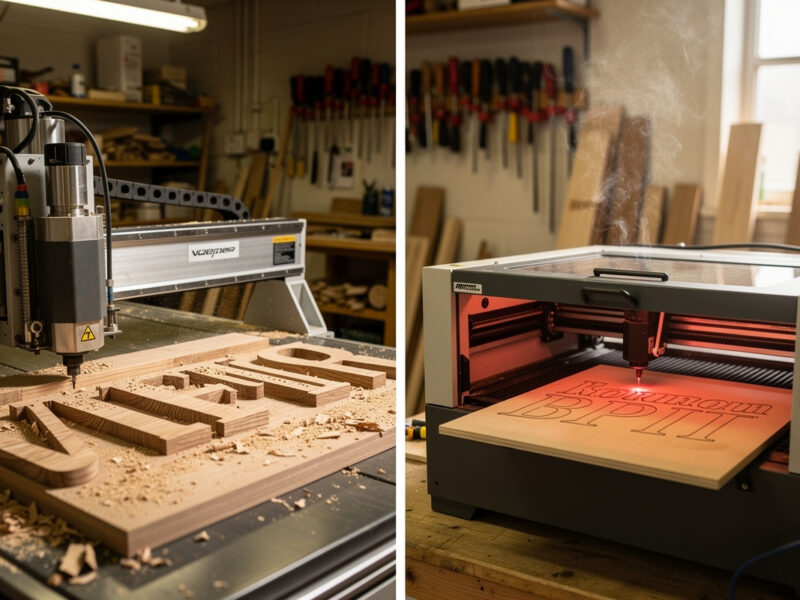
For wood sign making, CNC routing wins on three-dimensional depth and large lettering, while laser engraving wins on fine detail and graphic art. The honest answer is that neither tool replaces the other — a working sign shop usually owns both. The decision per project comes down to lettering size, depth requirement, batch quantity, and whether the sign will be painted. This guide breaks the choice down with real tooling time, material cost, and finish-quality numbers from 14 months of side-by-side production data.
Most sign makers learn this the hard way: they buy a CNC and try to do everything on it (laser-detail engravings come out shallow and washed out), or they buy a laser and try to do everything on it (large outdoor signs cannot be properly weatherproofed without depth). Knowing which job belongs on which machine, before you cut, saves both wasted material and customer disappointment.
The Core Difference: Subtraction vs Burning
CNC routing physically removes wood with a spinning end mill or V-bit. The result is true three-dimensional relief — letters and details have actual depth, sharp shadows, and a finish that takes paint and stain naturally. The depth is whatever the bit reaches: typically 1-6mm for V-carved letters and 3-15mm for pocketed signs.
Laser engraving burns the surface of the wood, leaving a darkened mark with negligible depth (usually 0.1-0.5mm). The result is graphic — letters and details look like they were drawn on rather than carved into. Detail resolution is very high (300-600 DPI in current consumer lasers), but the surface remains essentially flat.
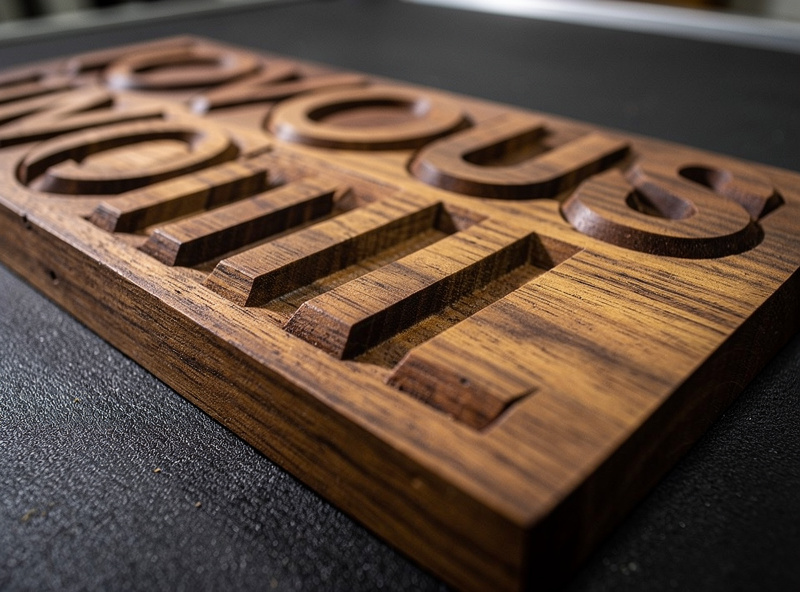
That single dimensional difference drives every other decision. A 4-foot porch sign with 6-inch letters needs depth — CNC. A coaster with a fine pen-and-ink illustration needs detail — laser. A wedding seating chart with elegant typography needs both: laser-engraved text on a CNC-routed border.
When CNC Routing Wins
Three sign categories play to CNC's strengths and laser cannot match without significantly more work:
Outdoor signs that need to weather. A V-carved letter at 4mm depth still reads after a paint refresh in year 5; a laser-engraved letter loses contrast within 18 months of UV exposure. Outdoor signage is essentially CNC territory. The depth + paint combination is the entire reason carved signs have been the standard for centuries.
Large lettering above 50mm tall. Big letters at laser engraving depth look anemic — the light/dark contrast that reads from a distance comes from depth, not just darkness. CNC V-carved 60mm letters cast shadow lines that read at 30+ feet. Laser-engraved 60mm letters fade visually beyond 8-10 feet.
Pocketed/dimensional signs (raised letters, recessed backgrounds). When the design itself requires a 3D form — letters that physically protrude from the background, or recessed pockets with painted backgrounds — only CNC can deliver. Laser cannot remove material in volume.
When Laser Engraving Wins
Three categories where laser engraving consistently outperforms CNC:
Photo and fine-art reproduction. Continuous-tone photo engraving on wood is a laser specialty. CNC cannot reproduce gradients without machining each tonal value separately, which is impractical. A wedding photo engraved on a 6×8 maple plaque takes 25-40 minutes on a 20W diode and looks better than CNC alternatives.
Small lettering below 8mm tall. Tiny letters lose definition under a V-bit because the bit's tip radius gets in the way. Laser draws lettering at any size cleanly down to about 1mm tall — useful for small business cards, jewelry tags, or detailed product labels.
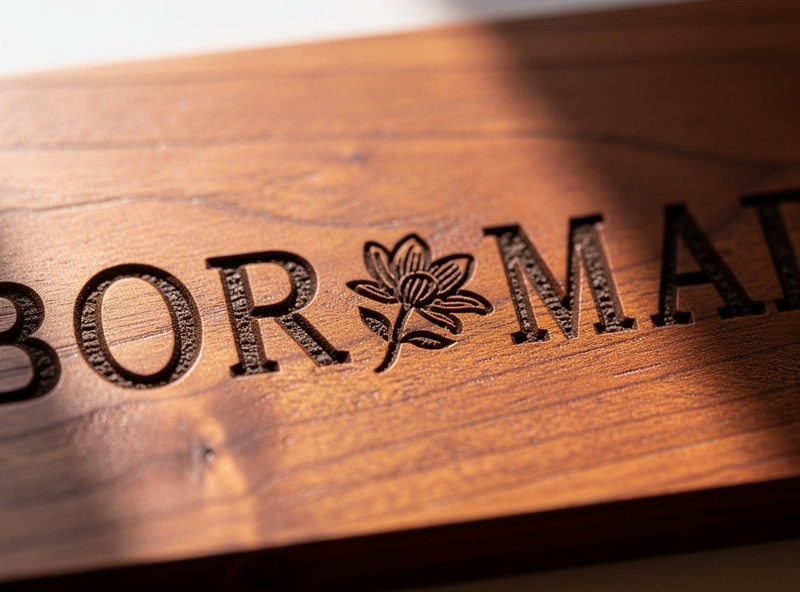
Batch production of small parts. Coasters, ornaments, dog tags, business cards, photo plaques — anything under 4×4 inches in batches of 20+ — laser is faster per piece. Setup is shorter (no tool change, no Z-zero per piece), and run time per piece on small parts is typically 3-8 minutes for laser versus 8-15 minutes for CNC.
Detailed Comparison Table
| Criteria | CNC Routing | Laser Engraving |
|---|---|---|
| Depth | 1-15mm typical | 0.1-0.5mm |
| Min letter height | 8-12mm with 60-deg V-bit | 1-2mm |
| Photo capability | Limited / multi-pass | Excellent (continuous tone) |
| Outdoor durability | 5-15 years with paint refresh | 1-3 years before fade |
| Material variety | Wood, plywood, plastic, aluminum | Wood, leather, acrylic, stainless |
| Setup time per job | 15-30 min (workholding, Z-zero) | 5-10 min (focus, frame) |
| Run time per piece (small) | 8-15 min | 3-8 min |
| Run time per piece (large) | 30-90 min | 20-60 min |
| Smoke/dust handling | Sawdust collection | Smoke ventilation required |
| Hourly machine cost | $0.40-0.80 (electricity, bits) | $0.50-1.20 (electricity, lens, tube) |
The hourly cost numbers are close, so cost rarely decides between the two — the deciding factor is what the sign actually needs to look like and where it will live. The same logic applies whether you are running a small Etsy business or doing one-off custom work for friends.
The Combined Workflow That Wins Most Often
Modern sign shops increasingly run hybrid jobs: CNC routes the outline, deep details, and large lettering; laser engraves photos, fine detail, and small text. The handoff is straightforward when you set up the CAD file properly:
- Design the full sign in Vectric V-Carve, Carbide Create, or Fusion 360.
- Identify which elements need depth (CNC) and which need detail (laser).
- Export DXF/SVG for the CNC portion. Generate toolpath in your CAM tool.
- Export a separate DXF/SVG for the laser portion, registered to the same coordinate origin.
- CNC the workpiece first. Use registration pins or jig holes to relocate it on the laser bed.
- Laser the detail layer. The registered design lands where it needs to.
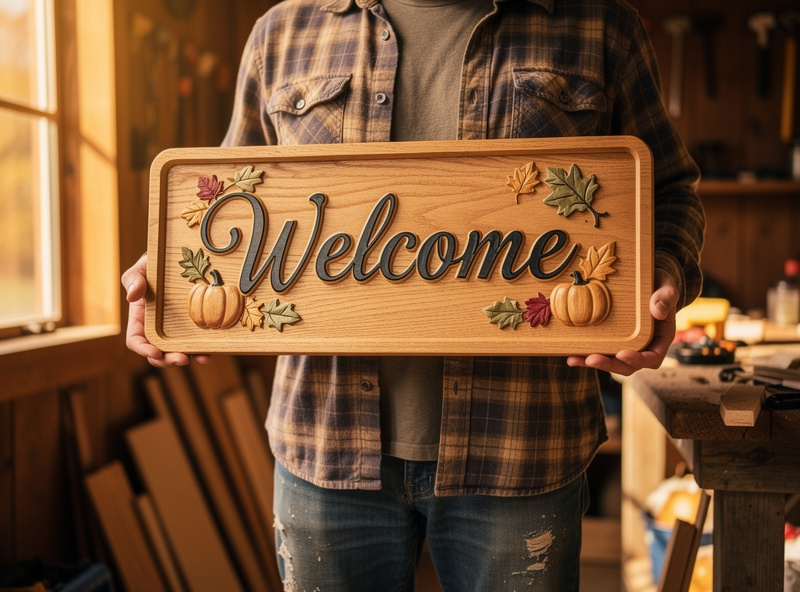
The order matters. Always CNC first, laser second. CNC produces sawdust that hides surface detail and contaminates laser optics. Laser smoke does not affect a finished CNC pass. CNC also tends to slightly flex thin stock, which laser can compensate for at finishing stage.
For deep guidance on which woods take laser engraving cleanly versus which scorch — and the LightBurn settings that bring out the best contrast on each — our partners at LaserBeamForge have a complete wood selection guide for laser engraving that covers cherry, walnut, maple, and the cheap pine boards that frustrate every new laser owner. Their materials guide handles the material side of the laser half of the workflow described above. Pair their settings tables with the CNC bit and feed-rate guidance from our materials cluster and the hybrid workflow runs smoothly.
Material Selection for Sign Making
Three woods cover most sign projects across both tools:
Maple (hard maple or Baltic birch ply). Tight grain that V-carves cleanly without tearout. Light color shows engraved detail well. Takes paint and stain evenly. The default material for both tools — pick maple unless a specific look requires otherwise.
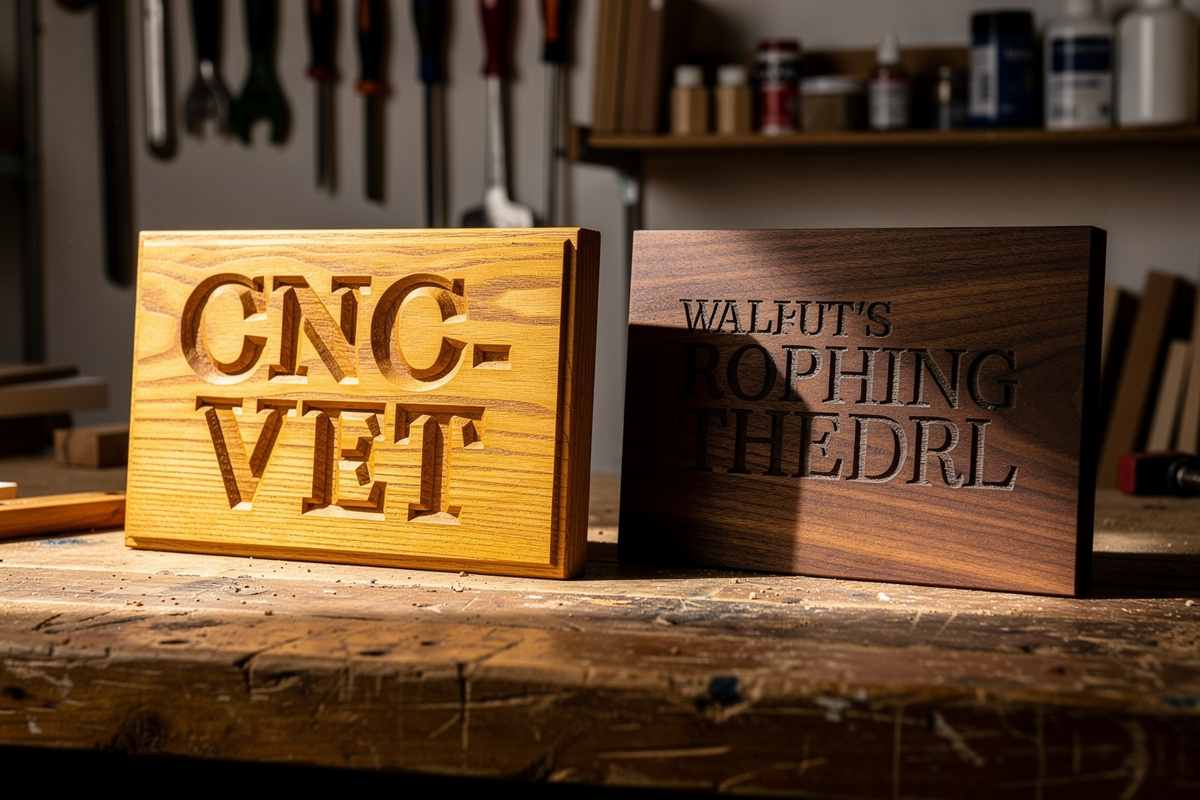
Walnut. Deep brown grain with strong contrast against painted lettering. CNC V-carves cleanly but slightly slower than maple due to interlocked grain. Laser engraves with a beautiful dark-on-dark effect — subtler than maple but more elegant for high-end work.
Pine (#2 grade or knot-free clear pine). Cheap practice material. CNC works fine with sharp bits and conservative feed rates. Laser engraving struggles with pine's soft early-wood/late-wood grain pattern, which leaves an uneven dark-light banded effect. For laser, prefer maple or birch over pine.
According to USDA Forest Products Laboratory wood-finishing research, hardwoods with tight grain structure and consistent density (maple, cherry, walnut) outperform softwoods (pine, fir) for both subtractive machining and laser engraving when surface quality and paint adhesion matter. The grain consistency is what allows clean V-carve walls and smooth laser pass lines.
Cost and Time for a Real Sign Project
Sample sign: 18-inch x 6-inch maple porch sign with the family name in 4-inch tall V-carved letters and a 1-inch wide laser-engraved decorative border.
CNC half:
- Maple stock (1 inch x 6 inch x 24 inch rough): $14
- CAD setup: 30 minutes
- CAM toolpath generation: 15 minutes
- Workholding + Z-zero: 10 minutes
- V-carve cut time (4-inch lettering): 18 minutes
- Pocket pass for paint inlay: 12 minutes
- Sand, paint inlay, sand flush, finish: 90 minutes
Laser half:
- LightBurn setup: 10 minutes
- Border engraving (1-inch wide pattern around perimeter): 12 minutes
- Touch-up if needed: 5 minutes
Total: 3.5 hours of active work, $14 in materials. A finished sign at this quality retails for $80-140 depending on market. The hybrid approach takes 30-40% longer than CNC-only but produces a sign that reads "custom craft" rather than "machine-made" — a meaningful difference at the price point.
For broader workflow context, the best CNC CAM software comparison handles the CAD-to-toolpath side. The best desktop CNC 2026 ranking covers what to buy if you are committing to the routing half of the workflow. The CNC cutting hardwood guide dials in feed rates and bit choice for the maple, walnut, and cherry signs above.
Frequently Asked Questions
Should I buy a CNC or a laser engraver if I want to make wood signs?
Buy whichever matches the signs you want to make most. Large outdoor signs and dimensional carved work need CNC. Small detailed signs, photo plaques, and batch-production small items belong to laser. If you can only afford one and your work is mixed, lean CNC — laser-style flat engraving on CNC is workable, but CNC-style depth on laser is not.
Can a laser engraver make outdoor signs?
Yes, but with shorter useful life. Laser-engraved lettering fades within 1-3 years of UV exposure even with marine-grade clear coat. CNC-carved letters, properly painted, last 5-15 years with periodic refresh. For permanent outdoor signage, CNC is the right choice.
What is the smallest letter size each tool can do cleanly?
CNC with a 60-degree V-bit handles letters down to about 8-12mm tall before bit-tip geometry distorts the lettering. Laser handles down to 1-2mm tall with consistent legibility. For small business cards, jewelry tags, or coaster typography, laser is the right tool.
Can I do photo engraving on a CNC?
Multi-pass with a tiny ball-end mill works but is slow and noisy and produces a textured rather than continuous-tone result. Laser engraving with dithering or grayscale handles photos far better — typical 6×8 photo plaque takes 25-40 minutes on a 20W diode versus 90+ minutes of CNC time with worse visual result.
What woods work for both CNC and laser?
Hard maple and Baltic birch plywood are the best all-around choices — they V-carve cleanly without tearout, take paint and stain evenly, and laser-engrave with consistent contrast. Walnut and cherry also work well on both tools. Pine is cheap but problematic on laser due to grain banding.
Do I need both tools to run a sign business?
For a one-person Etsy or small craft business, one tool is enough. Pick based on the customer demand: hand-carved-style signs equal CNC, modern detailed engravings equal laser. As volume grows, owning both unlocks hybrid jobs that command higher prices and let you take work neither tool alone could complete.
How long does a hybrid (CNC + laser) sign take versus single-tool?
A hybrid sign typically takes 30-40 percent longer than a single-tool version of the same project, due to the extra setup and registration step. The premium per-sign price for the hybrid finish is usually 50-100 percent over single-tool work — so the time-to-revenue ratio favors hybrid for any project where the customer values the combined look.