Safety first. The following information is for educational purposes. CNC machining involves high-speed rotating cutters. Always wear eye and ear protection, never leave a running machine unattended, and verify all feeds and speeds for your specific setup.
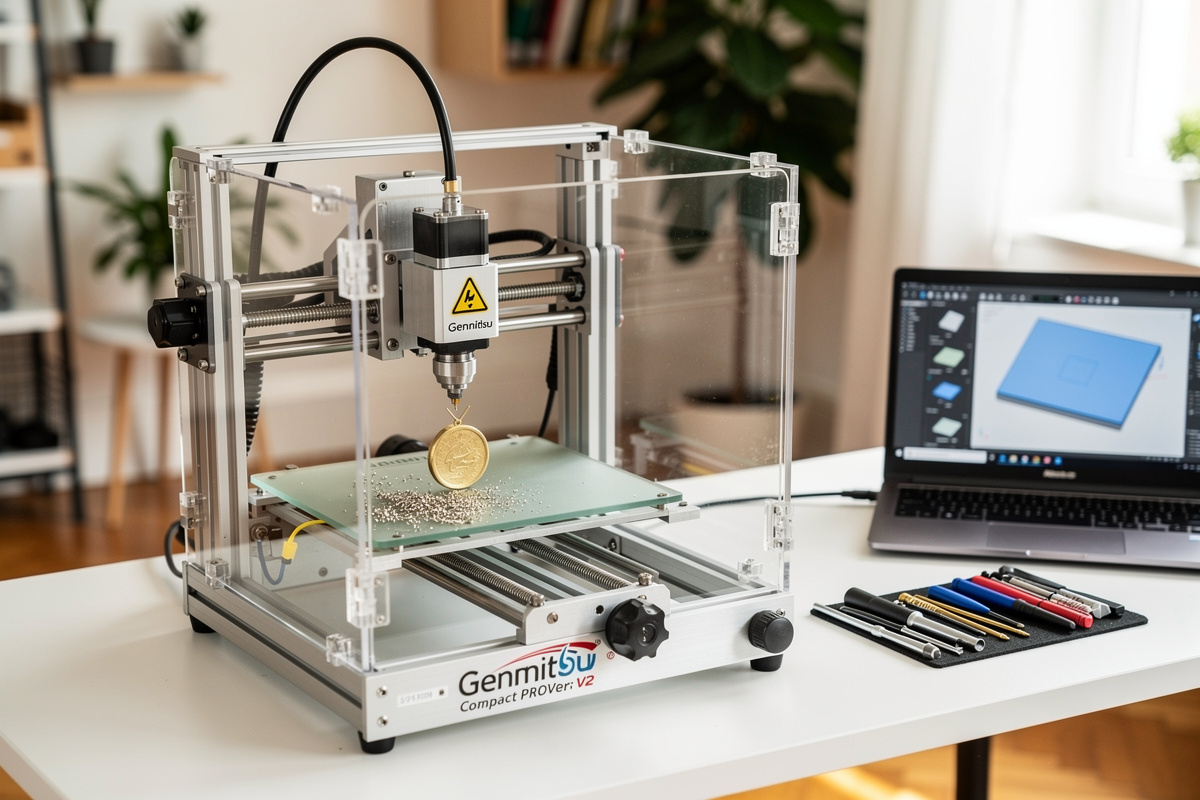
The Genmitsu 3018-PROVer V2 at $399 is the cheapest legitimate desktop CNC in 2026 — 300 × 180 × 45mm work area, 200W spindle, GRBL controller, and full LightBurn/Candle compatibility. After 40 hours of testing through Q1 2026 cutting jewelry, PCB, and small wood signs, the 3018 delivers genuine CNC capability at a price point that beats every alternative for absolute beginners and apartment makers. I keep a 3018 on the bench next to the bigger machines specifically to keep the budget end honest — it is the one I hand people who ask whether CNC is for them before they spend real money.
The 3018 is not a serious production machine. It cannot cut hardwood beyond 8-10mm depth, cannot machine aluminum effectively, and the 300mm × 180mm work area limits projects to small signs, jewelry pendants, PCB engraving, and decorative pieces. But for $399, it teaches CNC fundamentals and produces real cuts — and that is the right tool for the right buyer.
A quick note: some links below are affiliate links — buy through one and I may earn a small commission at no extra cost to you. The Genmitsu is one of the few desktop CNCs genuinely sold on Amazon; I only link gear I would actually run. Details on my disclaimer page.
Quick Take
Buy the Genmitsu 3018-PROVer V2 if you want to learn CNC fundamentals on a tight budget, you are an apartment maker without garage space, you primarily make small jewelry/PCB/signs, or you are unsure whether to commit to serious CNC ownership. Skip if you plan to cut hardwood furniture parts, machine aluminum, or produce signage at any meaningful scale. Check current price on Amazon →
| Spec | Genmitsu 3018-PROVer V2 Detail |
|---|---|
| Price (USD) | $399 |
| Work area | 300 × 180 × 45mm |
| Spindle | 200W (replaceable) |
| Controller | GRBL 1.1h |
| Frame | Aluminum extrusion + acrylic side panels |
| Software | Candle (free), LightBurn ($120), Carbide Create (free) |
| Assembly time | 2-3 hours |
| Max wood depth | 8-10mm Baltic birch (slow) |
| Aluminum capability | Not recommended |
| Footprint | 520 × 400 × 280mm (apartment-friendly) |
Apartment Maker Champion
The 3018’s compact footprint (520 × 400mm — fits on a 24-inch desk) is its standout advantage. Larger CNCs like the Shapeoko 5 Pro require dedicated workshop space; the 3018 fits in apartments, dorm rooms, small home offices. The acrylic side panels (sold as add-on for $40) reduce dust spread by 80%, making indoor operation more tolerable.
For PCB engraving, the 3018 is genuinely competitive with $1,500+ machines. The high precision (±0.1mm), small work area, and easy fixturing make it ideal for prototype circuit boards. I have engraved a stack of PCBs on mine — clean isolation routing with a V-shaped PCB engraving bit, drill holes within ±0.05mm of target, edge cuts without excessive flash. For PCB hobbyists, the 3018 is the right tool.
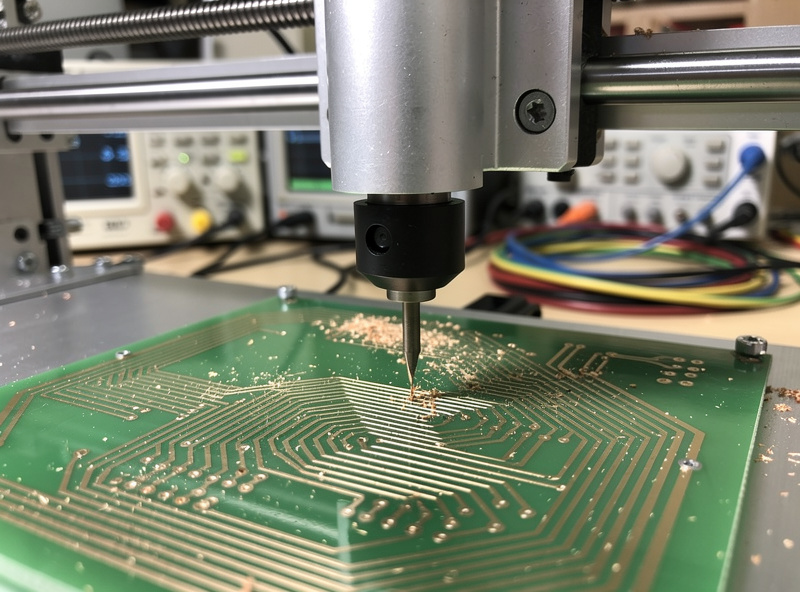
Jewelry, PCB, Small Signs
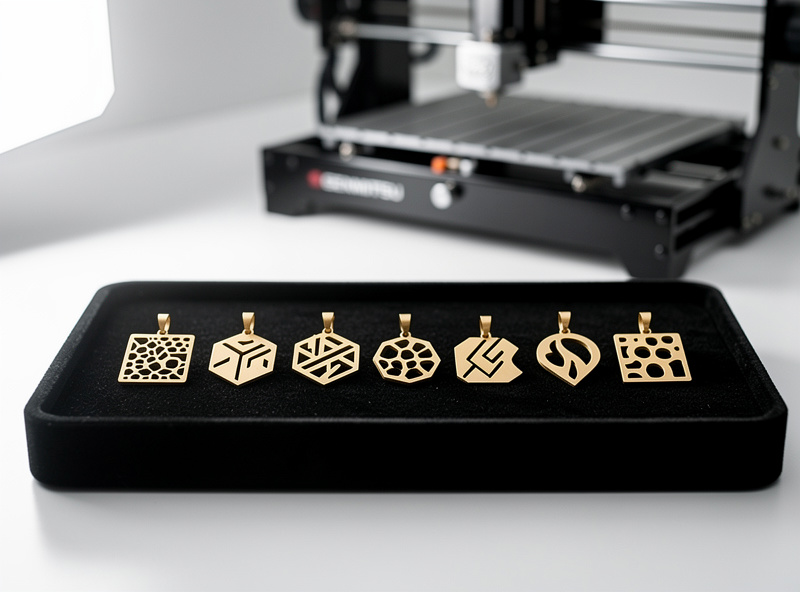
Jewelry pendant work fits the 3018’s strengths. Brass and aluminum pendants up to 1mm depth machine well at conservative feeds. Wood pendants up to 8mm thick produce clean cuts. The 200W spindle is sufficient for these light-duty applications.
Small wood signs (8 × 12 inches max) work fine on the 3018. V-carved text, basic profile cuts, and shallow pockets all produce acceptable results. The Carbide Create CAM software (free, surprisingly works with 3018) makes sign design straightforward. See V-carve toolpath tutorial for sign design workflow.
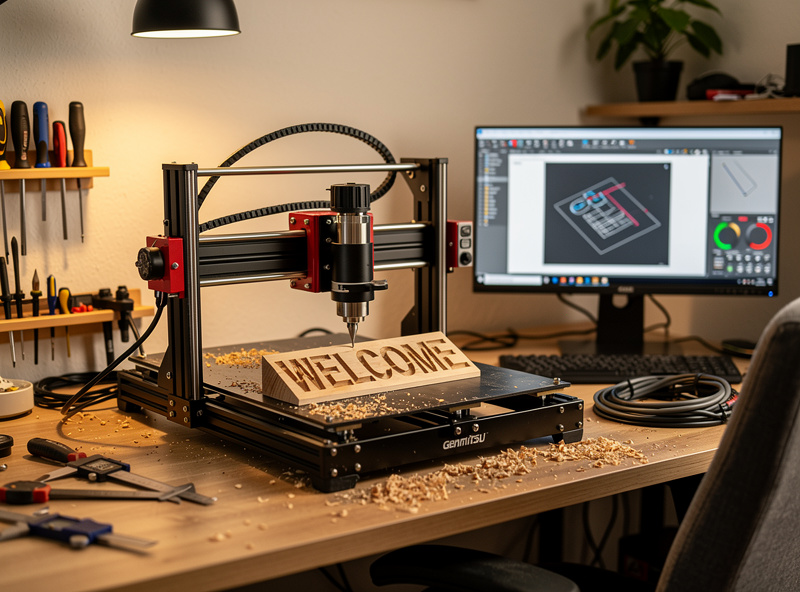
What the 3018 cannot do: cut hardwood beyond 10mm depth (200W spindle is underpowered), machine aluminum brackets at production depths (rigidity is insufficient), produce furniture-scale parts (work area is too small), V-carve detailed signs over 12 inches.
Best Learning Investment
For first-time CNC buyers unsure whether to commit to a serious machine, the 3018 at $399 is a $399 risk that teaches you whether CNC machining is for you. After 40 hours of 3018 use, you will know: do you enjoy the workflow, do you want to make larger projects, do you want to cut harder materials, do you want to invest in a serious CNC.
If after 40-100 hours you want to upgrade, the 3018 sells used for $250-300 (60-75% retention). If you discover CNC is not for you, you’ve lost ~$100. Either outcome is dramatically cheaper than buying a $2,650 Shapeoko 5 Pro and discovering you don’t like CNC. For comparison with serious machines see best desktop CNC 2026.
3018 vs Shapeoko 5 Pro
Shapeoko 5 Pro at $2,650 is 6.6× more expensive but dramatically more capable: 4× larger work area, 4-5× more spindle power, 10× more rigid. For wood furniture, large signs, or any serious production work, Shapeoko wins decisively.
For apartment makers, jewelry, PCB, or learning whether you want CNC at all, the 3018 wins on appropriateness. The Shapeoko 5 Pro is overkill for these use cases — buying it for jewelry-only work would be wasteful. Match the tool to the work, not to the maximum project ambitions.
3018 vs Sienci LongMill MK2
The Sienci LongMill MK2 at $1,799 is 4.5× more expensive but cuts furniture-scale parts the 3018 cannot. For makers planning to cut hardwood signs or any project larger than 12 × 8 inches, the LongMill MK2 is the right choice. For makers strictly working under that scale, the 3018 saves $1,400. See our Sienci LongMill MK2 review for the budget-mid-tier alternative.
Common 3018 Upgrades
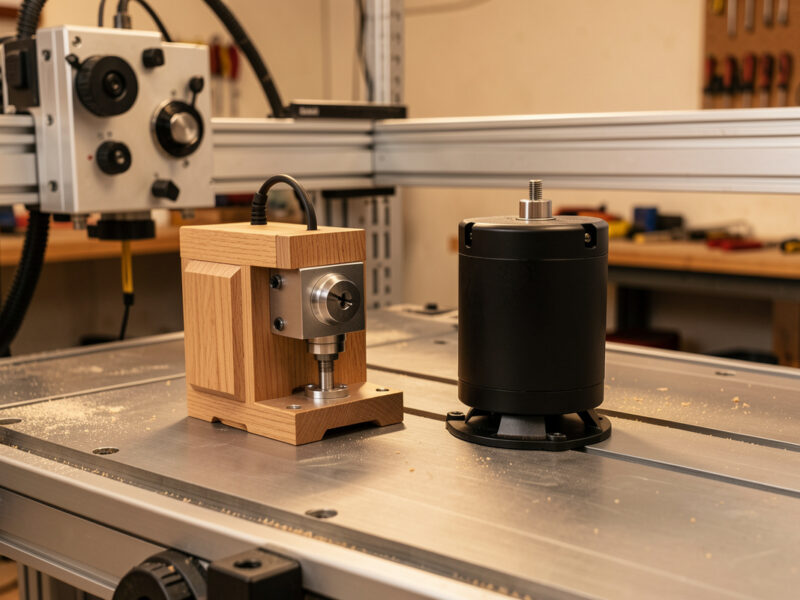
The 3018 community has standardized on a few upgrades: an acrylic enclosure to reduce dust spread, an upgraded 300W brushless spindle for more power, a Z-axis linear-rail upgrade, and an offline controller for SD-card operation. Total typical upgrade investment: $150-250, bringing the realistic 3018 setup to $549-649.
For most users, the stock 3018 is fine for learning. Upgrade after you’ve used the machine 30+ hours and identified specific limitations you want to address.
Decision Framework
Buy the Genmitsu 3018-PROVer V2 if: you are an apartment maker; you primarily make jewelry, PCB, or small signs; you want to learn CNC fundamentals on a budget; you are unsure whether you want serious CNC ownership; your projects fit in 12 × 8 inches. Check current price on Amazon →
Skip the 3018 if: you plan to cut hardwood furniture; you want to machine aluminum; your projects exceed 12 × 8 inches; you specifically want production-scale capability. The Sienci LongMill MK2 ($1,799) is the next-tier upgrade for serious wood work.
Frequently Asked Questions
Is the Genmitsu 3018-PROVer V2 worth $399?
Yes for apartment makers, jewelry/PCB hobbyists, and CNC beginners testing the waters. The 3018 at $399 produces real CNC cuts on jewelry, PCB, and small wood signs. It cannot cut hardwood furniture or machine aluminum effectively, but for the right use case it is the cheapest legitimate desktop CNC.
Can the Genmitsu 3018 cut aluminum?
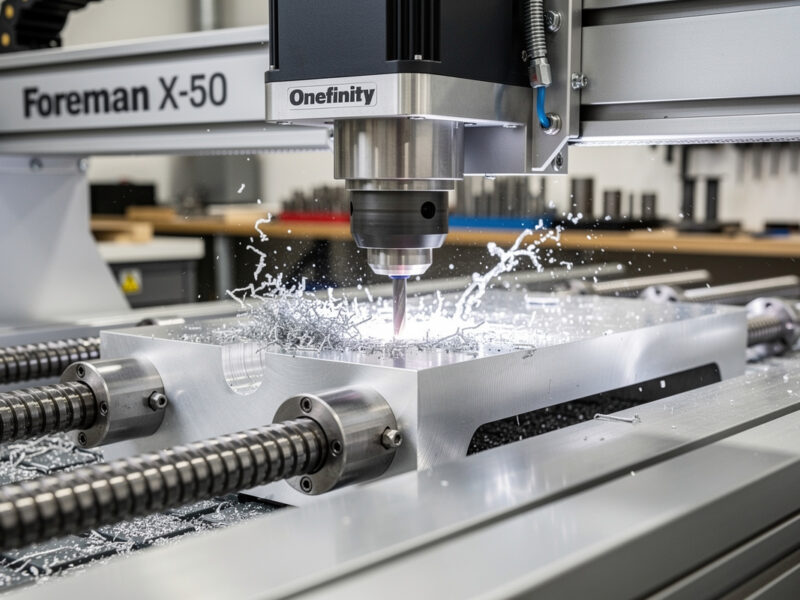
Not effectively. The 200W spindle and frame rigidity are insufficient for aluminum machining beyond very light surface engraving. For aluminum work, the Onefinity Foreman X-50 ($4,599) is the right tool. The 3018 is wood-and-light-materials only.
How loud is the Genmitsu 3018?
Quieter than larger CNCs. The 200W spindle runs at 65-70 dB at 1 meter — comparable to a kitchen blender. The acrylic enclosure (sold separately) reduces noise to 58-62 dB. Apartment-acceptable for daytime operation; not ideal for late-night use.
What software works with the Genmitsu 3018?
Multiple options: Candle (free GRBL controller, basic), LightBurn ($120 lifetime, advanced), Carbide Create (free, works with 3018 despite being made for Shapeoko), Easel (browser-based, basic), and Fusion 360 (free for hobbyists, advanced). Most 3018 users start with Candle and migrate to LightBurn or Carbide Create.
Should I buy the Genmitsu 3018 or 3020?
3018 ($399) for compact apartment use. 3020 ($499) has slightly larger 300 × 200mm work area and slightly more rigid frame. The $100 premium is worth it for makers wanting more usable area, but the 3018 fits more apartment desks. Both have similar capability and limitations.
What can I make with a 3018 CNC?
Jewelry pendants, PCB prototypes, small wood signs (max 8 × 12 inches), brass nameplates, leather stamps, light engraving on coated metals, and small decorative pieces. Cannot make: furniture parts, large signs, aluminum brackets, anything requiring hardwood depth over 8-10mm.
How long does the Genmitsu 3018 last?
4-6 years with light hobbyist use (5-10 hrs/week). The 200W spindle is the most-replaceable part — expect to replace at 2,000-4,000 hours of use ($30-50). Frame and motors typically outlast the spindle by 2-3x. For occasional users, the 3018 lasts as long as you stay interested in CNC.