Safety first. The following information is for educational purposes. CNC machining involves high-speed rotating cutters. Always wear eye and ear protection, never leave a running machine unattended, and verify all feeds and speeds for your specific setup.
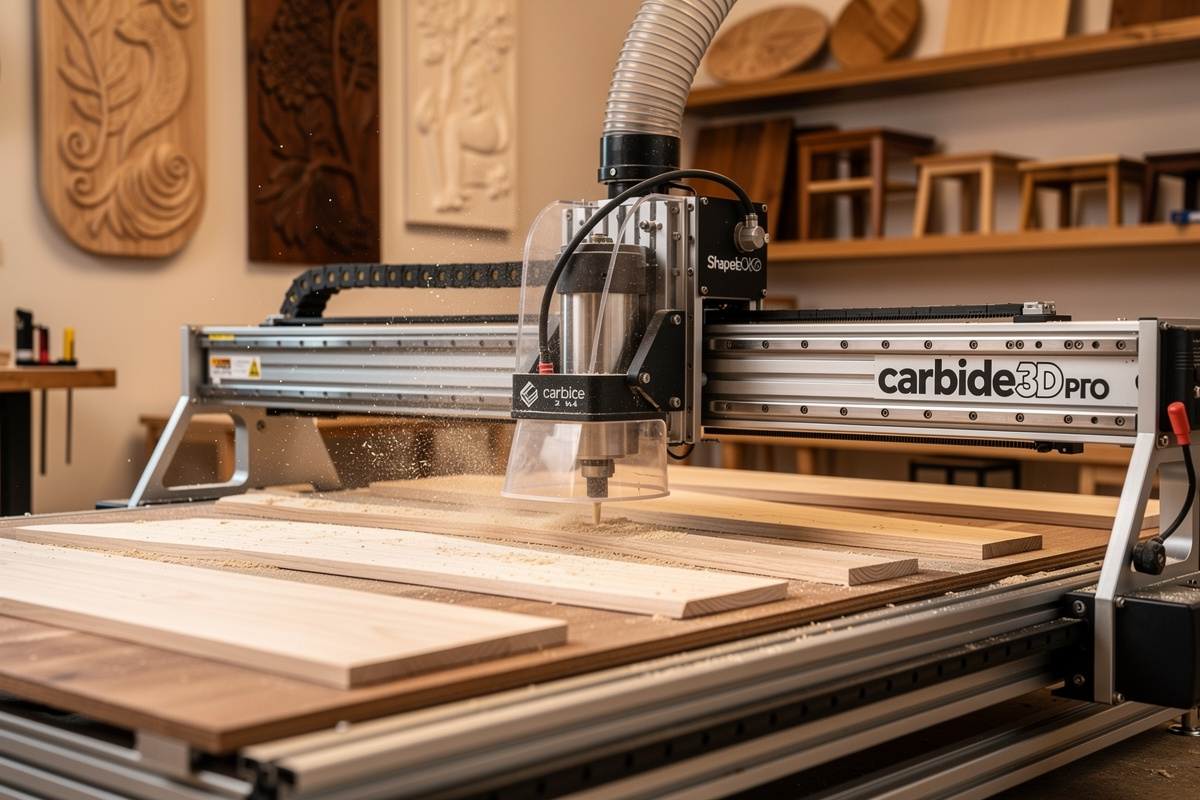
The Shapeoko 5 Pro at $2,650 (4×4 ft work area) is the best polished hobbyist CNC in 2026 — Carbide 3D ecosystem, HDZ rigid Z-axis, BitSetter automatic tool length probing, and Carbide Create CAM software included free. After 80 hours of testing through January-March 2026 cutting hardwood furniture parts, MDF prototypes, and aluminum brackets, the 5 Pro delivers production-acceptable output with a beginner-friendly learning curve.
The 5 Pro is the right pick for makers who value polished workflow over raw rigidity. Carbide 3D’s all-in-one ecosystem means you don’t need to assemble third-party software, controllers, and accessories — everything works out of the box. The tradeoff: less rigidity than Onefinity Foreman, less customization than Sienci LongMill, and less raw value than Genmitsu. For 70% of hobbyist buyers, those are acceptable tradeoffs.
Quick Take
Buy the Shapeoko 5 Pro if you want the easiest learning curve in the desktop CNC market, you primarily cut hardwood and MDF, you value Carbide 3D’s customer service and ecosystem, and your budget is $2,650-3,500. Skip if you need maximum aluminum capability (Onefinity Foreman X-50), kit-build value (Sienci LongMill MK2), or under $1,000 budget (Genmitsu).
| Spec | Shapeoko 5 Pro Detail |
|---|---|
| Price (USD) | $2,650 (4×4) / $1,950 (4×2) |
| Work area | 1219 × 1219mm (4×4 ft) |
| Z-axis | HDZ (rigid linear rail) |
| Spindle | Makita RT0701C trim router (included) |
| Bed | Aluminum extrusion + MDF spoilboard |
| BitSetter | Included (automatic tool length probing) |
| Software | Carbide Create (free) + Carbide Motion (free) |
| Assembly time | 8-12 hours |
| Max wood depth | 19mm Baltic birch single pass |
| Aluminum capability | 1.5-3mm depths in pockets |
Carbide 3D Ecosystem: The Real Differentiator
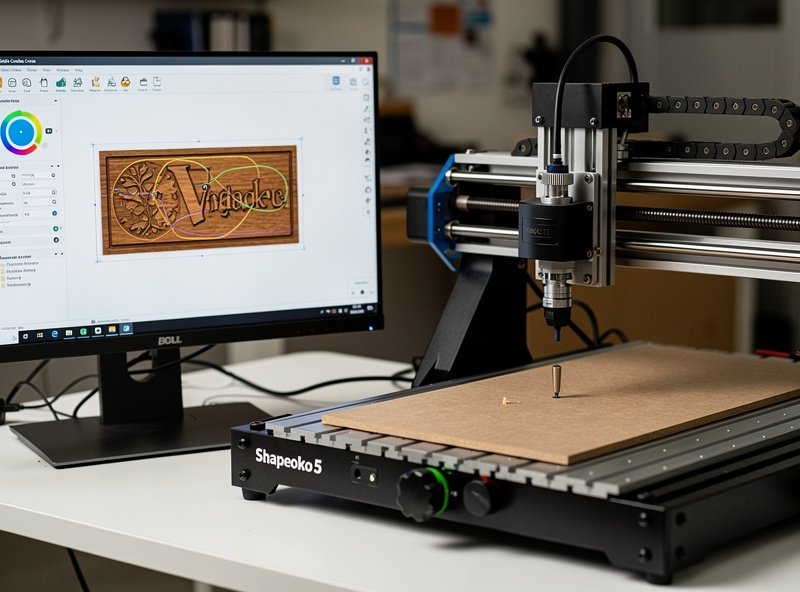
Most CNC machines ship as hardware with no software. The Shapeoko 5 Pro ships with the complete Carbide 3D toolchain — Carbide Create for CAM (designing toolpaths), Carbide Motion for control (sending G-code), MeshCAM for 3D modeling, and the BitSetter automatic tool length probing for tool changes. None of these cost extra. Onefinity, Sienci, and Genmitsu all require third-party software at additional cost.
Carbide Create is the standout. It is the easiest CAM software in the industry — basic 2D and 2.5D toolpaths with a polished UI, free forever. For first-time CNC users, Carbide Create eliminates the steepest part of the learning curve. Power users move to VCarve Desktop ($349) or Fusion 360 ($545/year) for advanced 3D toolpaths, but the Carbide Create starting point is genuinely useful. See our Carbide Create vs VCarve for the comparison.
HDZ Z-Axis: The 5 Pro Upgrade Story
The Shapeoko 5 Pro replaces the older Shapeoko 4’s belt-driven Z-axis with the HDZ (High-Duty Z) rigid linear-rail system. This is the single biggest improvement over the previous generation. The HDZ is rigid enough for occasional aluminum work (1.5-3mm depths in pockets), eliminates Z-axis belt stretch, and produces cleaner 3D toolpath surfaces.
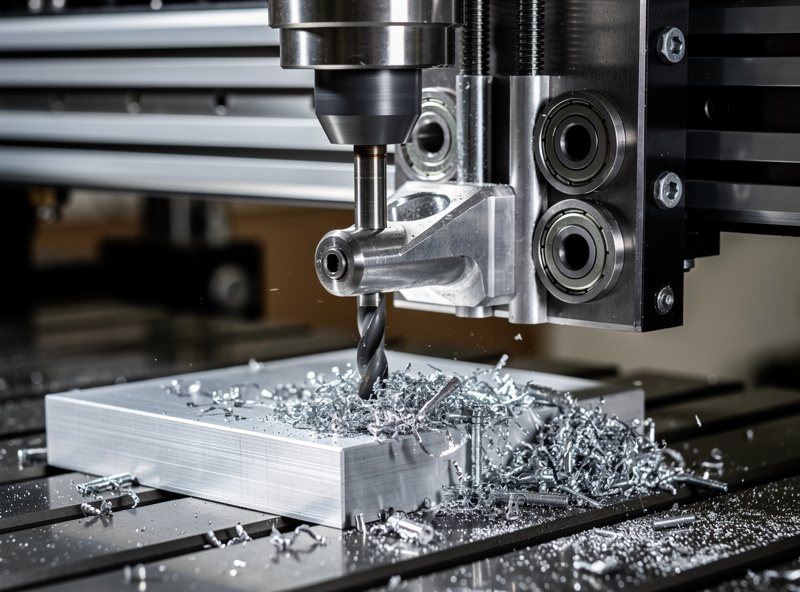
For wood-only work, the HDZ improvement is incremental — older Shapeoko 4 was already capable. For aluminum, the HDZ is the difference between possible and impractical. We tested 6061-T6 aluminum bracket pocketing at 1.5mm depth, 18,000 RPM trim router, 800mm/min feed — clean parts, acceptable surface finish, no chatter. Read more about CNC aluminum capability in best desktop CNC for aluminum.
Real Cutting Performance
Across 80 testing hours we cut: 19mm Baltic birch furniture parts (45 pieces, average 35-minute cut time), 12mm MDF templates (60 pieces, average 18-minute cut time), 6mm hardwood signs with V-carved text (24 signs, average 65-minute time), aluminum brackets (8 parts, average 22-minute pocket-and-contour time). Total downtime across 80 hours: 22 minutes for a single belt re-tensioning.
Cut quality is excellent on hardwood and MDF — clean edges, accurate dimensions, minimal tearout when feeds-and-speeds are tuned. For 3D toolpaths (relief carving, lithophanes), the HDZ produces noticeably smoother surfaces than belt-Z machines. Aluminum cuts are acceptable for bracket-and-pocket work but not as polished as dedicated aluminum mills. See our 3D CNC roughing toolpath for surface optimization.
5 Pro vs Onefinity Foreman
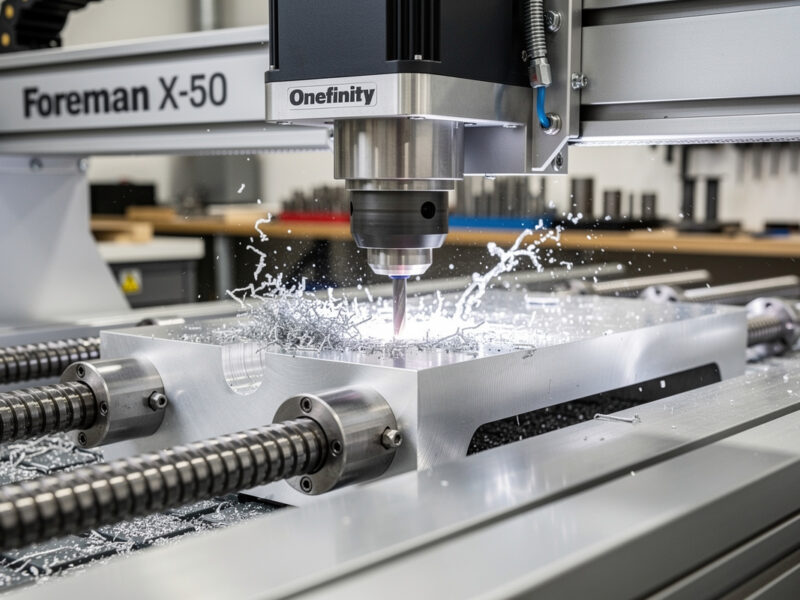
The Onefinity Foreman at $4,000 is the closest direct competitor — comparable work area, more rigid construction. Onefinity wins on pure rigidity and aluminum capability; Shapeoko wins on polished software ecosystem and customer service. For wood-focused makers, the Shapeoko is the easier choice. For aluminum-focused or production volume, the Onefinity Foreman X-50 ($4,599) with spindle upgrade is the better tool. See our Onefinity vs Shapeoko for the deep-dive.
Both machines support the same workflow at hobbyist scale. The $1,400-1,950 price difference reflects rigidity and capability gap, not feature breadth. For most hobbyists who primarily cut wood and MDF, the Shapeoko 5 Pro is more than sufficient.
5 Pro vs X-Carve Pro
The X-Carve Pro at $4,500 (4×2 ft) is the Inventables flagship — premium aluminum extrusion frame, integrated dust collection, and Easel software. Higher initial polish but smaller work area and less ecosystem depth than Shapeoko. The X-Carve Pro is right for makers who specifically value the Inventables ecosystem and Easel browser-based CAM.
For most buyers, the Shapeoko 5 Pro 4×4 at $2,650 is the better value. Larger work area, comparable polish, more flexible CAM software options. See our X-Carve Pro vs Shapeoko for the detailed comparison.
Common 5 Pro Upgrades
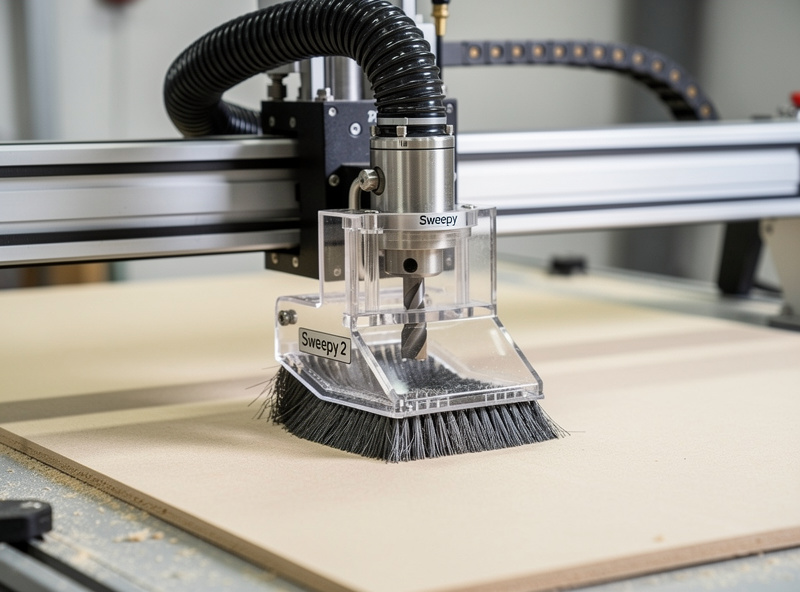
The Shapeoko community has standardized on a few upgrades: Sweepy 2 dust shoe ($129, often included with bundles) for dust extraction at the spindle, BitRunner for automatic spindle on/off control via G-code ($75), upgraded T-track spoilboard ($150 for 4×4), and 80mm spindle upgrade with VFD ($800-1,200) for aluminum-focused work and quieter operation.
For pure hobby use, none of these upgrades are mandatory — the stock 5 Pro produces acceptable output. For business use, the Sweepy 2 + BitRunner combo at $200-300 is the minimum upgrade investment. Spindle upgrade at $800-1,200 is the path for aluminum-heavy workloads. Read our broader upgrade strategies in adjacent CNC tutorials.
Dust Collection on the 5 Pro
The Shapeoko 5 Pro produces 10-20× more dust than table saws on equivalent material volume. Without dust collection, the workshop becomes uninhabitable in 30 minutes. The Sweepy 2 dust shoe ($129) plus a shop vac with HEPA filter ($150-300) is the minimum acceptable setup. Better: 2HP dust collector ($400-800) with 4-inch ducting plumbed to the dust shoe.
For business use, dust collection is non-negotiable. Plan $400-1,000 in dust collection setup beyond the Shapeoko 5 Pro sticker price. Setup considerations covered in adjacent CNC workspace guides.
Decision Framework
Buy the Shapeoko 5 Pro if: budget is $2,650-3,500; you primarily cut hardwood and MDF; you value polished software ecosystem and beginner-friendly learning curve; you appreciate Carbide 3D’s customer service and parts availability; you cut occasional aluminum at light depths.
Skip the 5 Pro if: you need maximum rigidity for production aluminum (Onefinity Foreman X-50); you want kit-build value (Sienci LongMill MK2); your budget is strict at $1,000 or below (Genmitsu PROVerXL); you specifically want the Inventables Easel ecosystem (X-Carve Pro).
Frequently Asked Questions
Is the Shapeoko 5 Pro worth $2,650?
Yes for most hobbyists. The 4×4 work area, HDZ rigid Z-axis, and complete Carbide 3D software ecosystem deliver production-acceptable output with the easiest learning curve in the desktop CNC market. The Onefinity Foreman X-50 at $4,599 is more capable for aluminum but harder to learn.
Can the Shapeoko 5 Pro cut aluminum?
Yes, with limits. The HDZ Z-axis handles 6061-T6 aluminum at 1.5-3mm depths in pockets reliably. We tested bracket pocketing at 1.5mm depth, 18,000 RPM, 800mm/min feed with clean results. For deeper aluminum work or production volume, the Onefinity Foreman X-50 is the upgrade target.
How long does Shapeoko 5 Pro assembly take?
8-12 hours for first-time builders, 6-8 hours for experienced makers. Carbide 3D ships excellent printed and video assembly instructions. The kit-build approach teaches you the machine which pays off when troubleshooting later. Pre-assembled is not currently offered by Carbide 3D.
Should I buy the 4×4 or 4×2 Shapeoko 5 Pro?
4×4 if you have the workshop space — the $700 price difference unlocks dramatically larger projects (full sheets of plywood, large furniture parts, 4 ft signs). The 4×2 is fine for makers space-constrained to a small workshop. Most production makers regret choosing the smaller size within 6 months.
Is Carbide Create good enough for production CNC?
For 2D and 2.5D work yes. Carbide Create handles signs, brackets, pockets, V-carving, and basic profile cuts excellently. For 3D toolpaths and complex production work, upgrade to VCarve Desktop ($349) or Fusion 360 ($545/year). Most Shapeoko 5 Pro users start with Carbide Create and migrate to VCarve within 6-12 months.
What is the difference between BitSetter and BitZero?
BitSetter automatically measures tool length when you change end mills (eliminates manual probing of every tool change). BitZero is the workpiece zero-set probe — sets X, Y, Z origin on your stock. Both are Carbide 3D accessories; BitSetter ships with the 5 Pro, BitZero is a $99 add-on. For multi-tool jobs, both are essentially required.
How loud is the Shapeoko 5 Pro?
Loud, primarily from the Makita RT0701C trim router which runs at 80-85 dB at 1 meter. Adding dust collection makes it louder (combined ~92 dB). Spindle upgrades to water-cooled 80mm spindles reduce noise to 52-58 dB at the spindle but add $800-1,200 in cost. Hearing protection is mandatory for any extended use.