Safety first. The following information is for educational purposes. CNC machining involves high-speed rotating cutters. Always wear eye and ear protection, never leave a running machine unattended, and verify all feeds and speeds for your specific setup.
The best CNC router bits for a hobby machine are not always the most expensive ones — they are the ones matched to your material. Across the bits I have worn out, premium carbide earns its price on hardwood detail, acrylic, and aluminum, while budget bits cut pine and MDF perfectly well. What separates a $6 bit from a $40 bit is grind concentricity, carbide grade, edge sharpness, and coating, and those differences only matter on demanding materials.
I have bought, snapped, and dulled bits from every tier — house-brand machine bundles, mid-range carbide, and the premium names — across the machines on my bench. This guide is the honest verdict on where the money is worth it and where the marketplace bargain is fine, the practical end of the five families in my CNC router bits guide. If you are choosing what to load on your desktop CNC, this is where I would spend and where I would save.
What Actually Separates a Good Bit From a Cheap One
Four things drive the price difference, and only some of them matter for your material. First is carbide grade — finer micrograin carbide holds a sharper edge longer and resists chipping. Second is grind concentricity, which determines runout: a poorly ground bit spins slightly off-axis, wrecking finish and breaking small cutters. Third is edge sharpness and geometry consistency. Fourth is coating, which matters almost exclusively in metal.
The key insight is that these differences compound with material difficulty. On soft pine, a cheap bit’s slightly duller edge and higher runout barely show. On figured hardwood, acrylic, or 6061 aluminum, the same flaws produce tear-out, melted edges, and chip welding. So the smart money is not “always buy premium” — it is “buy premium for the demanding jobs and budget for the forgiving ones.” That economic logic runs through everything in my tooling fundamentals primer.
The Three Bit Tiers and Where Each Belongs
I sort router bits into three practical tiers. Budget bits — the no-name multi-packs and machine-bundle tooling — are fine for pine, MDF, foam, and learning, where their shorter edge life and higher runout do not show. I keep a stash for spoilboard surfacing and rough work I do not want to risk a good bit on. Their weakness is consistency: in a pack of ten, a couple may have noticeable runout.
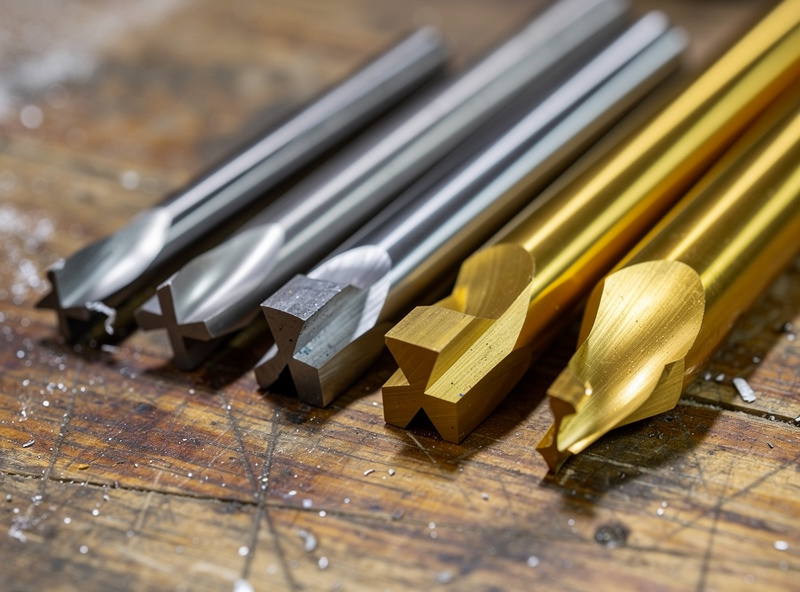
Mid-range carbide bits are the sweet spot for most hobbyists — solid carbide, decent grind, reliable in hardwood and plastic, without the premium price. Premium bits bring the finest carbide, lowest runout, sharpest edges, and the best coatings, and they justify themselves on hardwood detail, production runs, acrylic, and aluminum, where edge life and finish quality pay back the cost in fewer re-cuts and broken bits. The trick is matching the tier to the job, not buying one tier for everything.
Bit Tier Comparison
Here is how the tiers stack up across the factors that actually decide cut quality and cost-per-part. This is the lens I use when deciding what to load.
| Factor | Budget Multi-Pack | Mid-Range Carbide | Premium Coated |
|---|---|---|---|
| Carbide grade | Variable | Good solid carbide | Fine micrograin |
| Runout consistency | Hit or miss | Reliable | Excellent |
| Edge life | Short | Good | Longest |
| Best material | Pine, MDF, foam | Hardwood, plastic | Hardwood detail, acrylic, aluminum |
| Coating | Usually none | Sometimes | ZrN / TiB2 for metal |
| Cost per bit | Lowest | Moderate | Highest |
Where I Spend and Where I Save, by Material
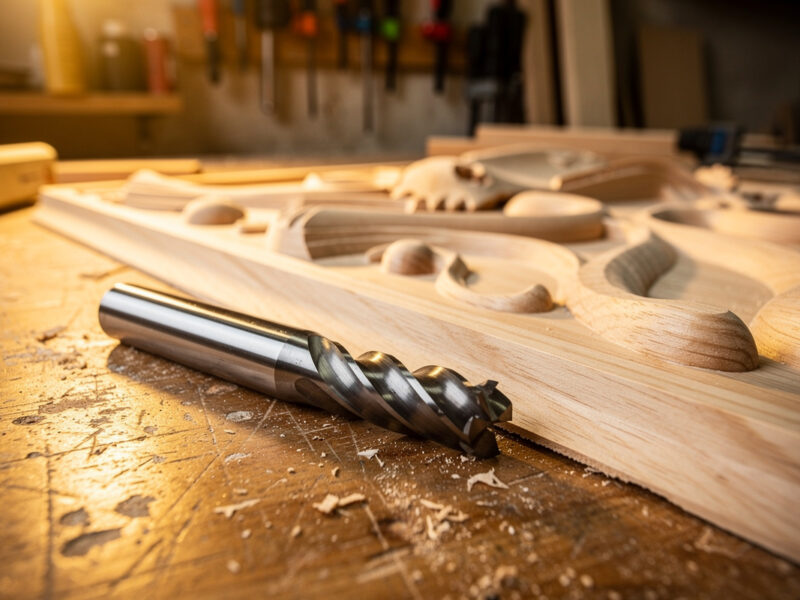
My buying strategy is material-driven. For softwoods, MDF, and foam — and for spoilboard surfacing — I run budget bits without hesitation; the finish is fine and a dulled bit costs nothing to retire. For hardwoods and figured wood where tear-out shows, I step up to mid-range or premium carbide, because the sharper edge and lower runout leave a cleaner wall that needs less sanding, the same payoff I see in cutting hardwood.
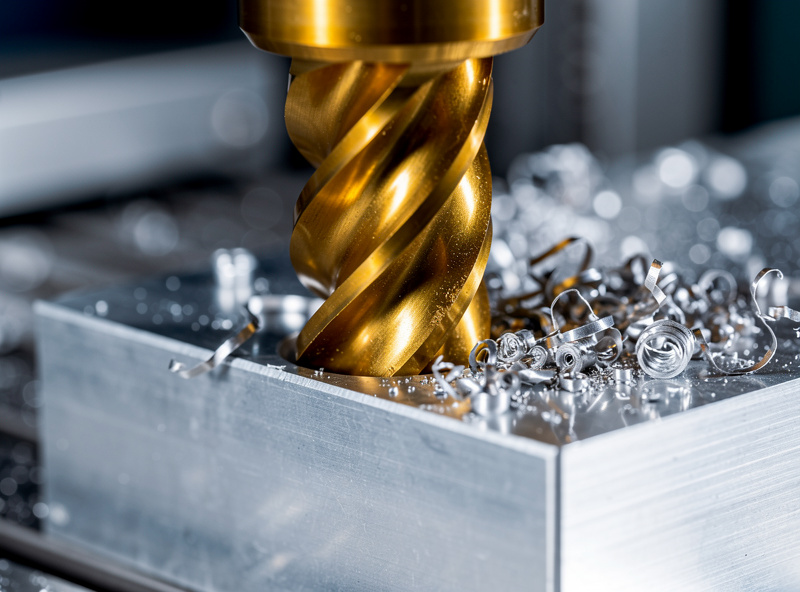
For acrylic and plastics, a quality single-flute O-flute is worth every cent — the polished flute and sharp edge are what give a clear, flame-free edge instead of a cloudy melted one, as I detail in acrylic settings. For aluminum, premium is non-negotiable: a coated, aluminum-specific cutter resists chip welding that ruins both the part and a cheap bit in minutes, the discipline behind aluminum feeds and speeds.
The Hidden Cost of a Cheap Bit: Runout
The reason a cheap bit can cost more than a premium one is runout. When a poorly ground bit spins off-axis, only part of its cutting edges do the work, so it dulls faster, leaves a rougher finish, and puts uneven load on small cutters until they snap. A $6 bit that breaks on its third aluminum job and scraps a part costs far more than a $40 bit that runs for months. Cheap is only cheap if the bit survives the job.
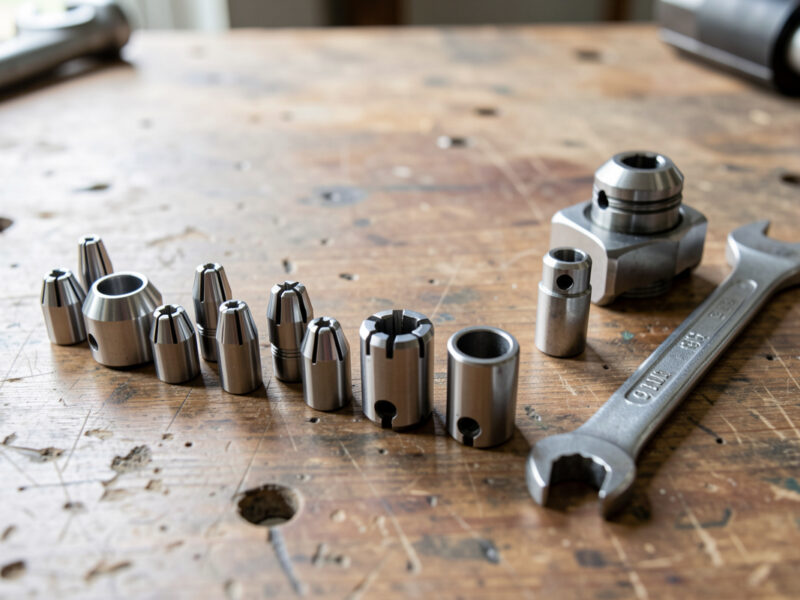
That said, runout is not only the bit’s fault — a worn or dirty collet adds runout to even a perfect bit, which is why I keep collets clean and replace them on a schedule. A dial indicator on the shank tells you whether the problem is the bit, the collet, or the spindle. When small bits break “for no reason,” runout from one of those three is almost always the culprit, a diagnosis I walk through in troubleshooting desktop CNC.
Sets vs Singles — How to Actually Buy
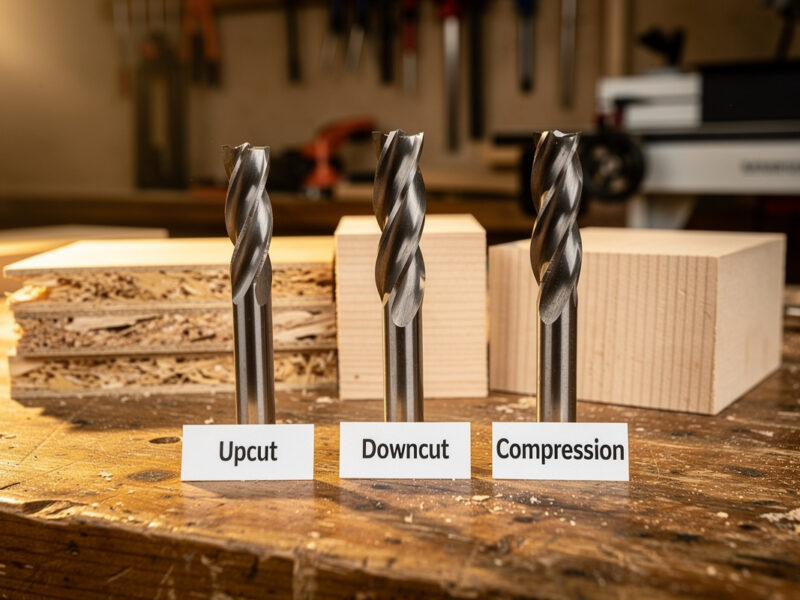
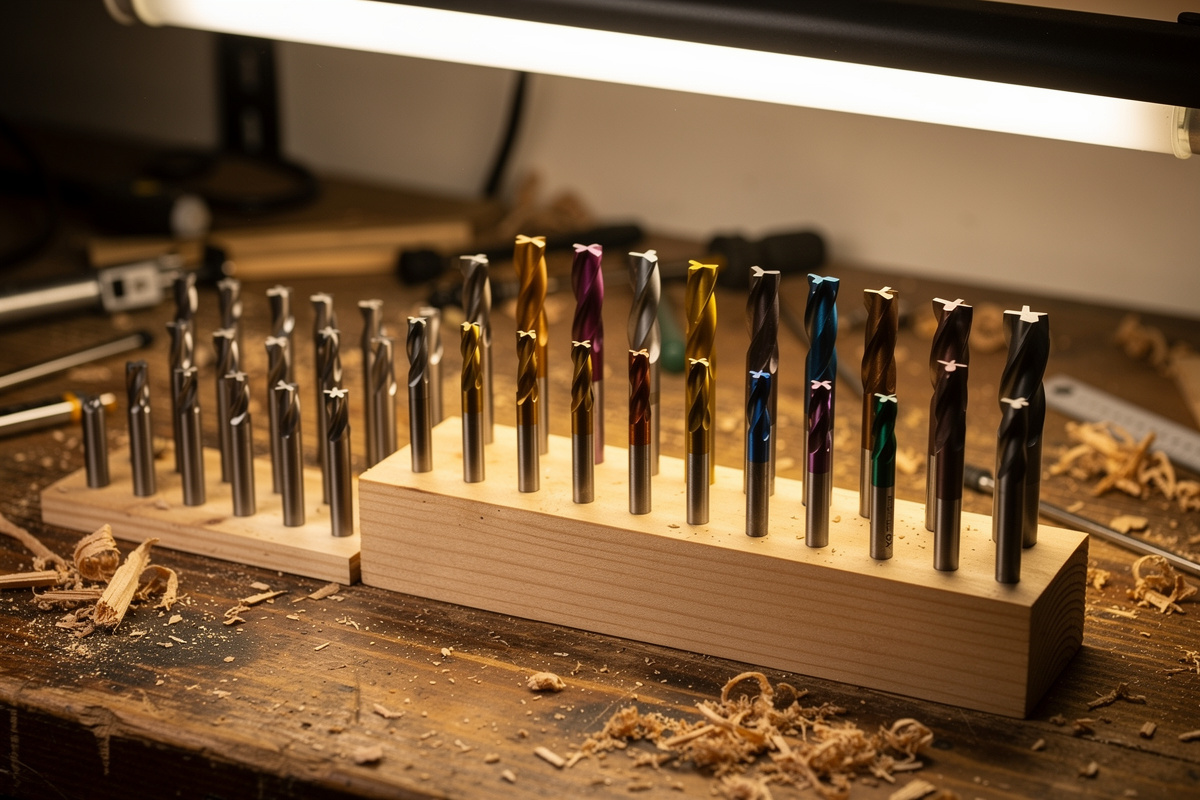
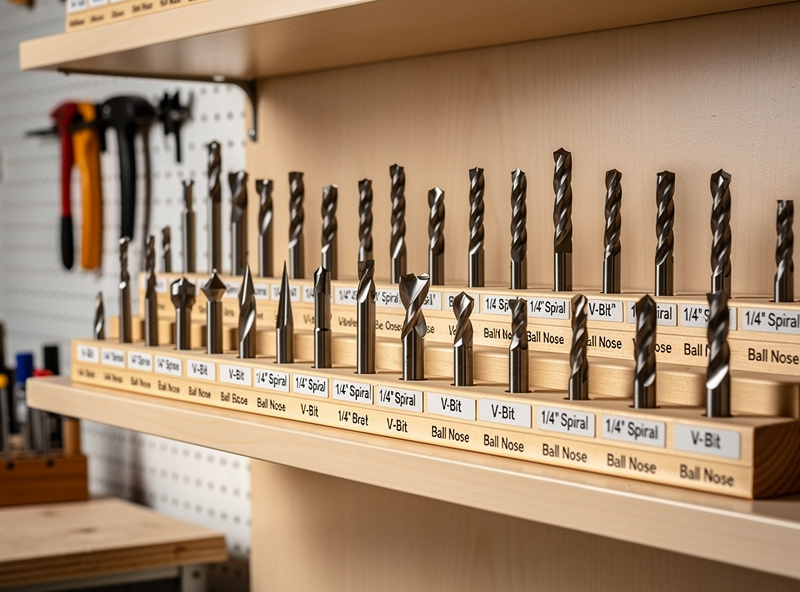
The marketing pushes 30-piece sets, but I almost never recommend them for a beginner — you get a drawer of cutters you cannot name and will never use, and the per-bit quality is usually budget tier. Far better to buy a handful of singles in the geometries you actually run: a 1/4″ upcut, a 1/8″ single-flute, a V-bit, a ball nose, and a compression bit, each chosen at the right quality tier for your typical material.
A curated small set from a reputable maker can be a reasonable starting point if it sticks to the core five geometries in good carbide. But the moment a set advertises “30 pieces” at a bargain price, you are buying quantity over quality. Buy the bits you will use, in the tier the material demands, and put the savings toward better workholding — which, as I say constantly, breaks fewer bits than any premium cutter ever will.
My Practical Buying Recommendations
For the core kit that handles most desktop work, I would buy a quality carbide CNC router bit set covering the main geometries, then add singles where you have a specific material. For plastics, a dedicated single-flute O-flute is worth buying premium. For metal, an aluminum-specific coated end mill pays for itself by not chip-welding.
Match the tier to the material, keep your collet clean, and retire bits the moment the finish goes fuzzy. The best router bit is the one that suits the job in front of you — not the most expensive one on the shelf, and rarely the cheapest.
Disclosure: As an Amazon Associate I earn from qualifying purchases. The links above point to the bit types and tiers I actually run on my machines; buying through them supports this site at no extra cost to you. I only recommend tooling I use.
Frequently Asked Questions
What are the best CNC router bits for beginners?
Buy a small core kit of singles rather than a large bargain set: a 1/4 inch upcut, a 1/8 inch single-flute O-flute, a 60/90 degree V-bit, a 1/8 inch ball nose, and a compression bit. Choose mid-range carbide for hardwood and plastic, and budget bits are fine for pine and MDF.
Are expensive CNC router bits worth it?
For demanding materials, yes. Premium bits with finer carbide, lower runout, and the right coating cut cleaner and last far longer in hardwood detail, acrylic, and aluminum, saving money in fewer re-cuts and broken bits. For pine and MDF, a budget carbide bit performs nearly as well.
What is the difference between cheap and expensive router bits?
Carbide grade, grind concentricity (runout), edge sharpness, and coating. These differences barely show in soft material but cause tear-out, melted edges, and chip welding in hardwood, acrylic, and aluminum. A cheap bit with high runout can dull fast and break, costing more than a premium one.
Should I buy a CNC bit set or individual bits?
For most hobbyists, individual bits in the geometries you actually use beat a large 30-piece set, which is usually budget-tier quantity over quality. A curated small set from a reputable maker is fine, but avoid bargain mega-packs full of cutters you will never use.
Why do my cheap CNC bits break so often?
Usually runout. A poorly ground budget bit spins off-axis, loading its edges unevenly until small cutters snap, and a worn collet makes it worse. Premium bits have better concentricity, and a clean collet plus matched depth of cut prevents most breakage regardless of bit price.
What bit brand is best for cutting aluminum?
For aluminum, choose an aluminum-specific cutter with a polished flute and a ZrN or TiB2 coating from a quality maker rather than any single brand. The coating and geometry resist chip welding that ruins both the part and a cheap uncoated bit, so premium is worth it for metal.