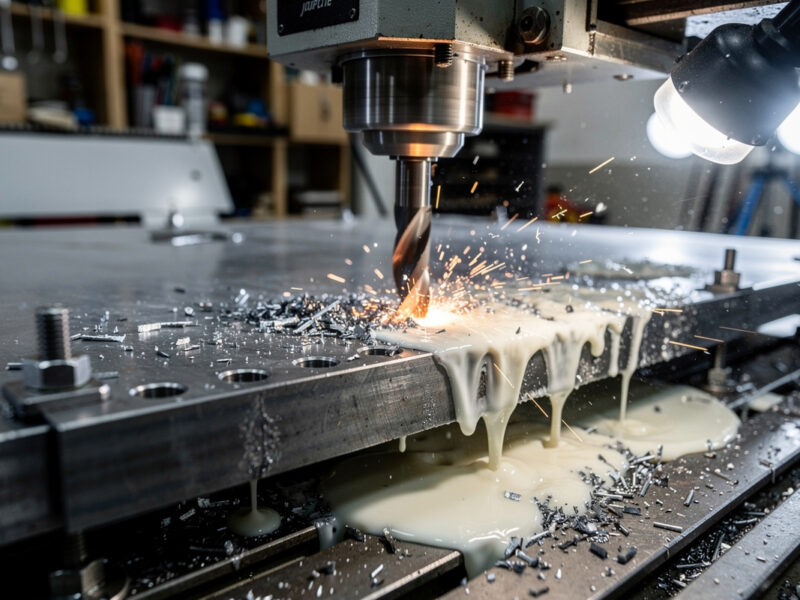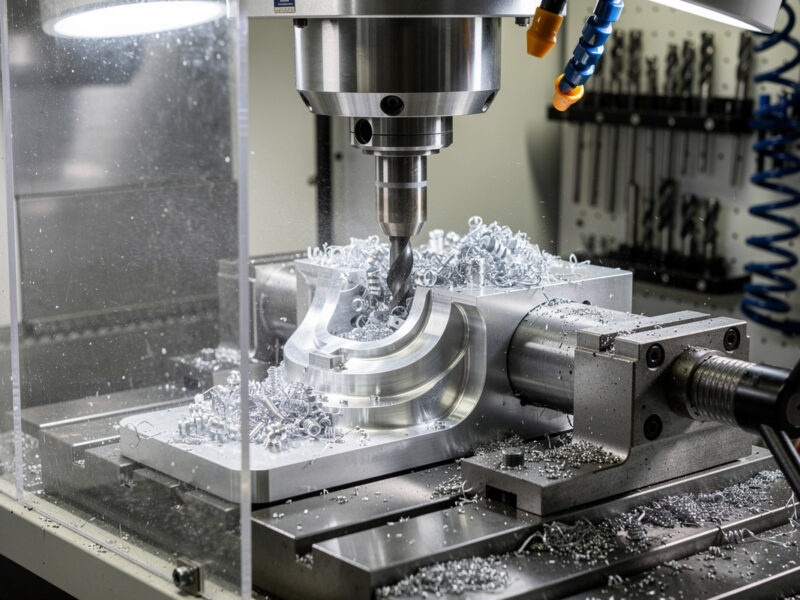
Safety first. The following information is for educational purposes. CNC machining involves high-speed rotating cutters. Always wear eye and ear protection, never leave a running machine unattended, and verify all feeds and speeds for your specific setup.
Free CNC CAM software covers basic needs for entry-level desktop CNC users on tight budgets. In ~40 words: Fusion 360 Personal Use license is the strongest free option (covered separately), Estlcam is the best for simple GRBL workflows, FreeCAD’s CAM workbench handles open-source 3D toolpaths, and Inkscape with the Gcodetools extension produces basic 2D G-code for hobbyists comfortable with manual workflows.
This guide covers the three viable non-Fusion-360 free options for desktop CNC in 2026, shows their limitations against paid alternatives, and identifies which free tool fits which workflow. By the end you’ll know whether starting free is sustainable or whether the paid CAM upgrade pays back fast.
Estlcam: The Workhorse for GRBL Hobbyists
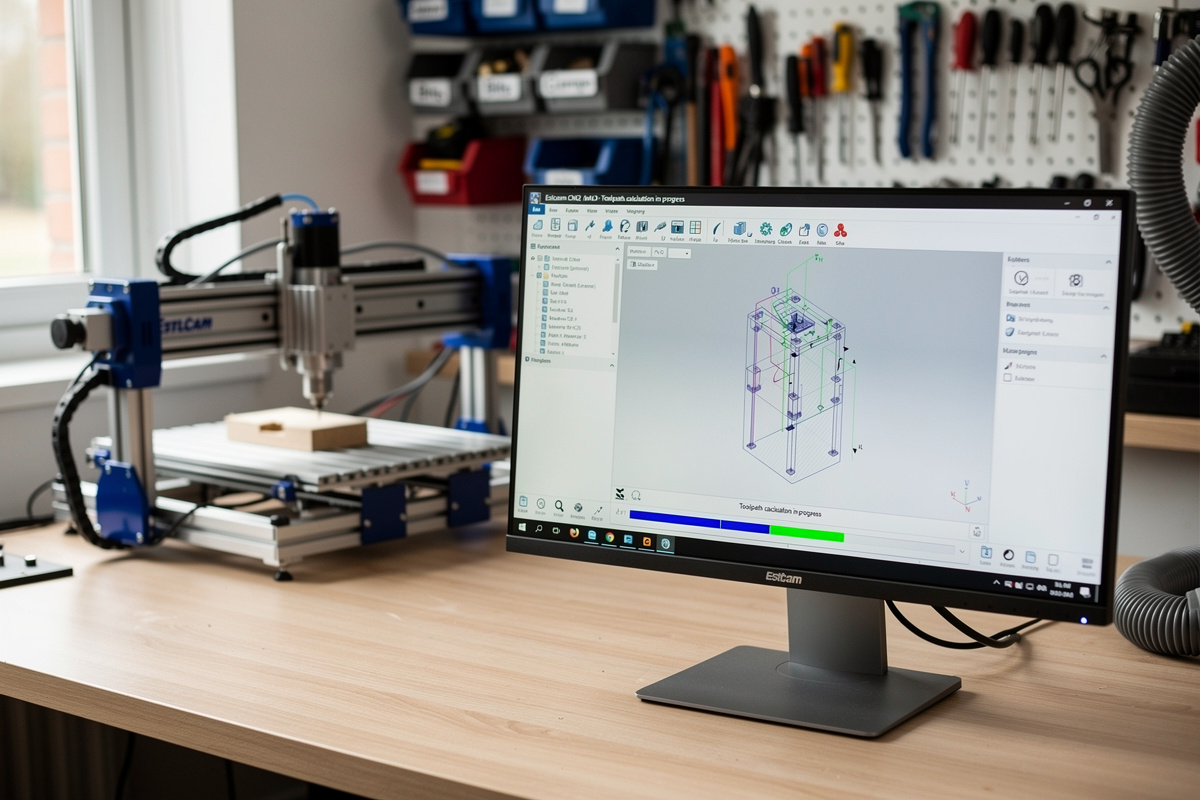
Estlcam is German-developed CAM software, free for hobby use (commercial use requires a license, ~€55). Designed specifically for GRBL-controlled hobby CNCs, Estlcam covers the use case Fusion 360 sometimes overcomplicates.
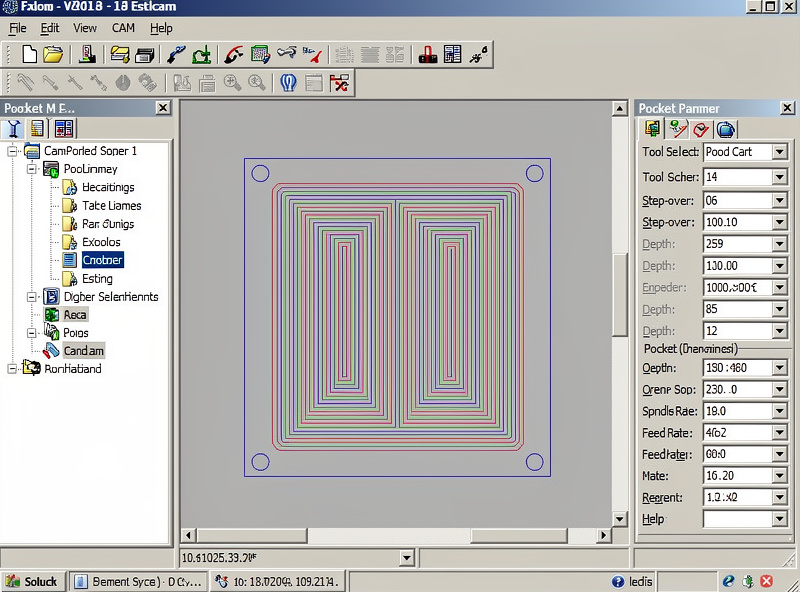
What Estlcam does well: 2D toolpath generation for pockets, contours, drilling, and engraving. The interface is dated but functional. Toolpaths generate in seconds. The G-code output is GRBL-native — no post-processor configuration needed.
What Estlcam doesn’t do well: 3D toolpaths are limited (Estlcam handles simple 3D but not complex relief carving), the material library is minimal, and the Mac/Linux support requires Wine.
Use Estlcam when: you have a GRBL-based hobby CNC, you cut wood and plastics in 2D, and budget is tight. Switch to Fusion 360 (free Personal license) when 3D work or aluminum machining begins.
FreeCAD CAM Workbench
FreeCAD is fully open-source CAD software with a Path workbench (CAM module). Cross-platform (Windows, Mac, Linux). The CAM capabilities have improved significantly through 2024-2026 and now handle most desktop CNC workflows adequately.
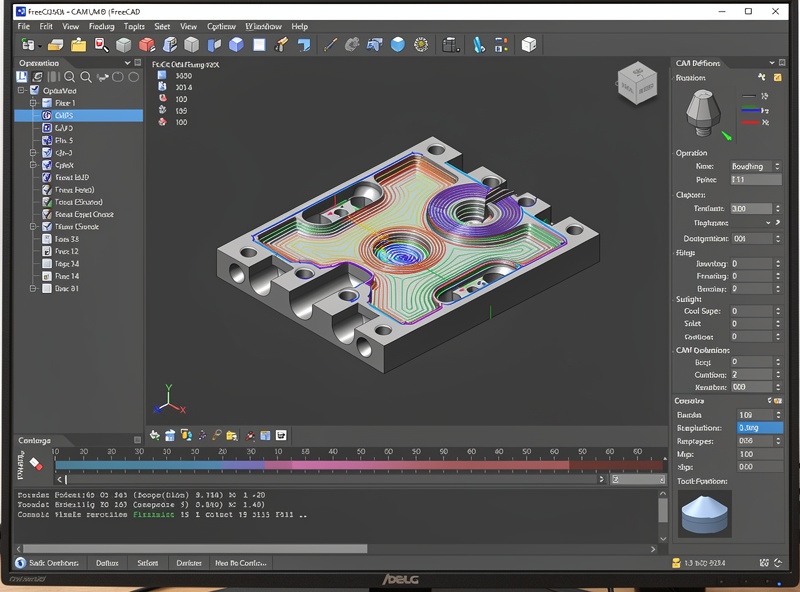
FreeCAD’s strengths: combined CAD + CAM in one application, fully free with no commercial restrictions, reasonable parametric modeling, and active development. For users committed to open-source workflows, FreeCAD is the most viable answer.
FreeCAD’s weaknesses: steeper learning curve than Estlcam (parametric CAD adds complexity), CAM workbench is less polished than Fusion 360, and the user community is smaller. Documentation exists but lags behind commercial alternatives.
Use FreeCAD when: open-source is a hard requirement, you want CAD + CAM in one application without paying, and you’re on Linux or Mac where Estlcam doesn’t run natively. The learning investment is real but the result is fully free CAD/CAM forever.
Inkscape + Gcodetools Extension
Inkscape (open-source vector design) plus the Gcodetools extension converts vector designs to G-code. Cross-platform, fully free, and the workflow is well-documented for users coming from vector design backgrounds.
Setup: install Inkscape, add the Gcodetools extension (free download from the Inkscape extension marketplace), design your 2D shapes, run Gcodetools → Path to G-code, save the output, send to your CNC via gSender or similar.
The cost is workflow complexity. Vector design in Inkscape, G-code generation via extension, then sending via separate software — three steps where commercial CAMs handle all three in one application. For occasional CNC work, the workflow is acceptable; for daily production, the friction adds up.
Inkscape + Gcodetools is the right path for users already comfortable with Inkscape or who specifically want a fully-free Linux workflow. For others, Fusion 360 or Estlcam produce results faster.
Why Fusion 360 Personal License Beats All Three
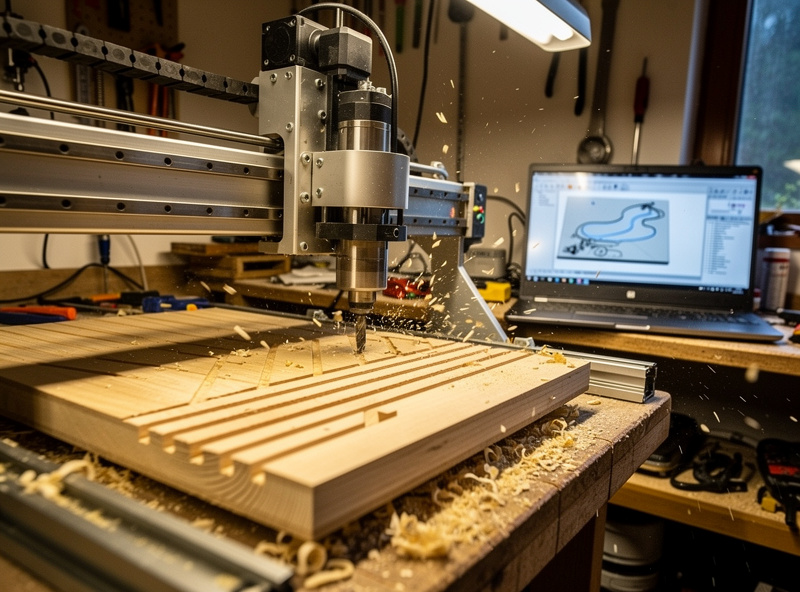
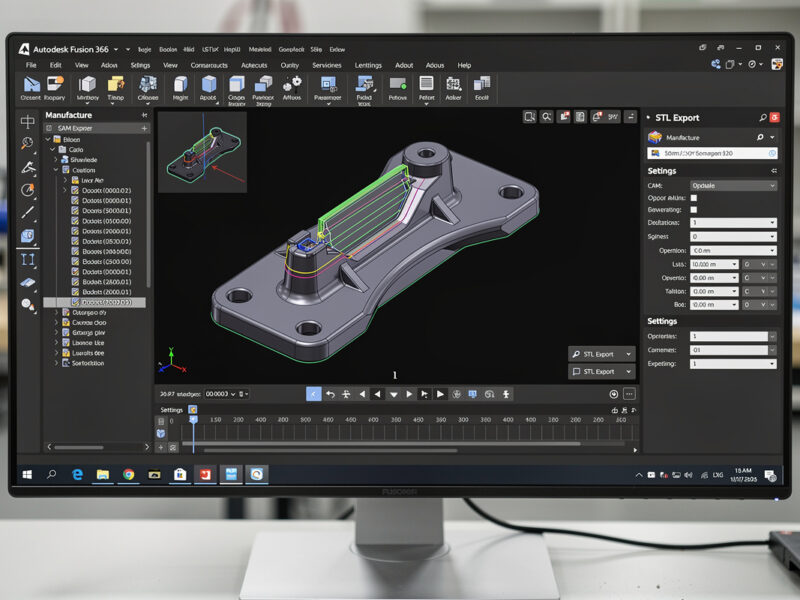
For most desktop CNC users, the free Fusion 360 Personal Use license beats Estlcam, FreeCAD, and Inkscape combined. Fusion 360 covers 2D and 3D toolpaths, includes parametric CAD, supports every major CNC controller, and has the best learning resources.
The reasons to choose Estlcam, FreeCAD, or Inkscape over free Fusion 360:
Estlcam: When Fusion 360 feels like overkill for simple 2D work. Estlcam’s faster toolpath generation and simpler interface suit users who don’t want to learn a complex CAD/CAM system.
FreeCAD: When open-source is a hard requirement (e.g., you don’t want to depend on Autodesk’s licensing). FreeCAD is fully free with no commercial restrictions ever.
Inkscape: When you already design in Inkscape and want to add CNC output without learning a new application. The Gcodetools extension extends existing Inkscape skills.
For everyone else: free Fusion 360 Personal license is the right starting point. See our Fusion 360 hobby CNC guide for setup walk-through.
When Paying Makes Sense
Free software covers entry-level needs. The signals that paying for CAM pays back:
Production wood signs: VCarve Desktop ($249) for V-carved production work. The faster setup and better V-carving pays back within 10-15 production jobs.
Aluminum production: Fusion 360 paid ($545/year) when commercial aluminum machining starts. The Personal license commercial restriction kicks in at this point.
Multi-application workflow: Free Fusion 360 Personal + paid VCarve Desktop is the standard production combination. Each application excels at different work types; running both is normal.
Don’t pay for CAM until you’ve outgrown free options. Many hobbyists never need to pay — Fusion 360 Personal license covers their workflow indefinitely. The only mistake is paying for CAM you don’t yet need. See our CAM software comparison for context on when each application is the right paid choice.
Frequently Asked Questions
Is Fusion 360 Personal really free for hobby CNC use?
Yes, with limitations: 10 active projects max, file export limited to specific formats, cloud rendering disabled. None of these limits affect typical desktop CNC hobby workflows. Most hobbyists never run into the free-tier limits. Commercial use requires the paid subscription.
Can FreeCAD’s CAM workbench replace Fusion 360?
For 2D and basic 3D work, yes. For complex 3D adaptive clearing on aluminum, no — Fusion 360 still leads on advanced toolpath strategies. FreeCAD has improved significantly through 2024-2026 but the gap on cutting-edge features persists. Use FreeCAD when open-source is required, otherwise Fusion 360.
Why is Estlcam so popular for GRBL machines?
Three reasons: GRBL-native G-code output (no post-processor headaches), fast toolpath generation (seconds for typical jobs), and simple interface that hobbyists can learn in an afternoon. The dated UI doesn’t matter to users who just want G-code output. For 2D GRBL work specifically, Estlcam is the smoothest free option.
Can I use Inkscape for 3D CNC work?
No — Inkscape is a 2D vector design tool. The Gcodetools extension converts 2D paths to G-code; it doesn’t handle 3D models. For 3D CNC work use FreeCAD or Fusion 360. Inkscape’s role in the workflow is purely 2D vector design and basic 2D G-code output.
Are there free Mac-native CAM applications?
Yes — Fusion 360 runs natively on Mac (Intel and Apple Silicon), FreeCAD runs natively on Mac, and Inkscape runs natively on Mac. Estlcam requires Wine on Mac. The Mac CAM ecosystem is actually well-served compared to laser cutting software where Mac options are limited.
What’s the breakeven point for paying for CAM?
Roughly 10-15 production jobs per week sustained over months. Below that, free Fusion 360 Personal handles everything. Above that, the time savings from paid CAM (VCarve for woodworking, Fusion 360 paid for unrestricted commercial use) pay back the license costs within a few months.
Can I switch from Estlcam to Fusion 360 later?
Yes — vector designs (SVG, DXF) transfer between applications cleanly. Toolpath settings reset on import; you’ll reconfigure operations. Material profiles don’t transfer between applications. The migration takes a few hours per existing project. Estlcam knowledge transfers as concepts (feeds, speeds, post-processors) even though the UI differs.