Safety first. The following information is for educational purposes. CNC machining involves high-speed rotating cutters. Always wear eye and ear protection, never leave a running machine unattended, and verify all feeds and speeds for your specific setup.
For most hobby GRBL machines, gSender is the best free sender — clean, modern, and with the strongest built-in probing. UGS is the rugged, run-anywhere fallback for tinkerers. Carbide Motion is the simplest choice, but only if you own a Shapeoko or Nomad, because it is locked to Carbide 3D’s firmware. The right pick depends entirely on your machine.
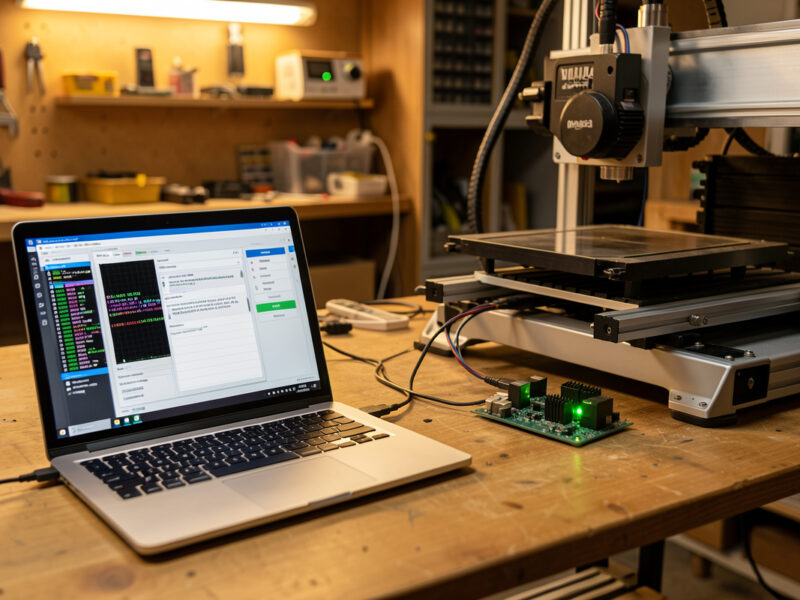
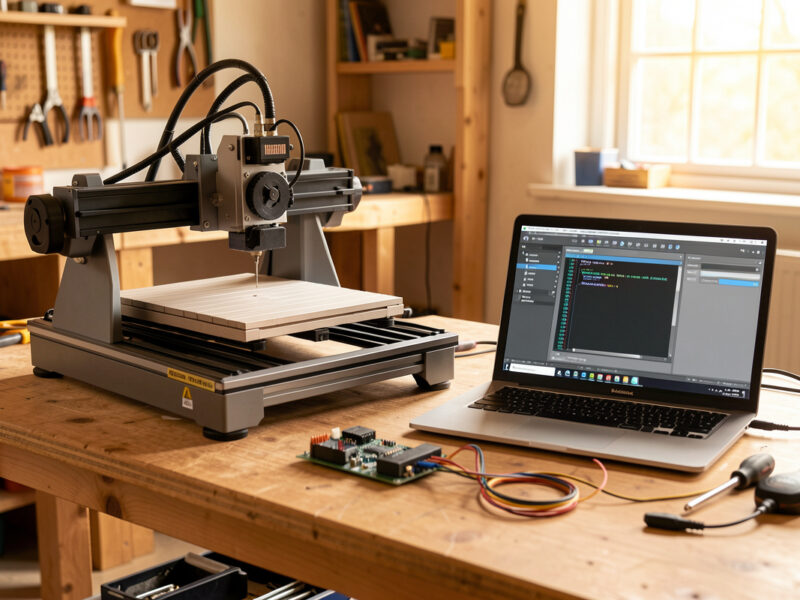
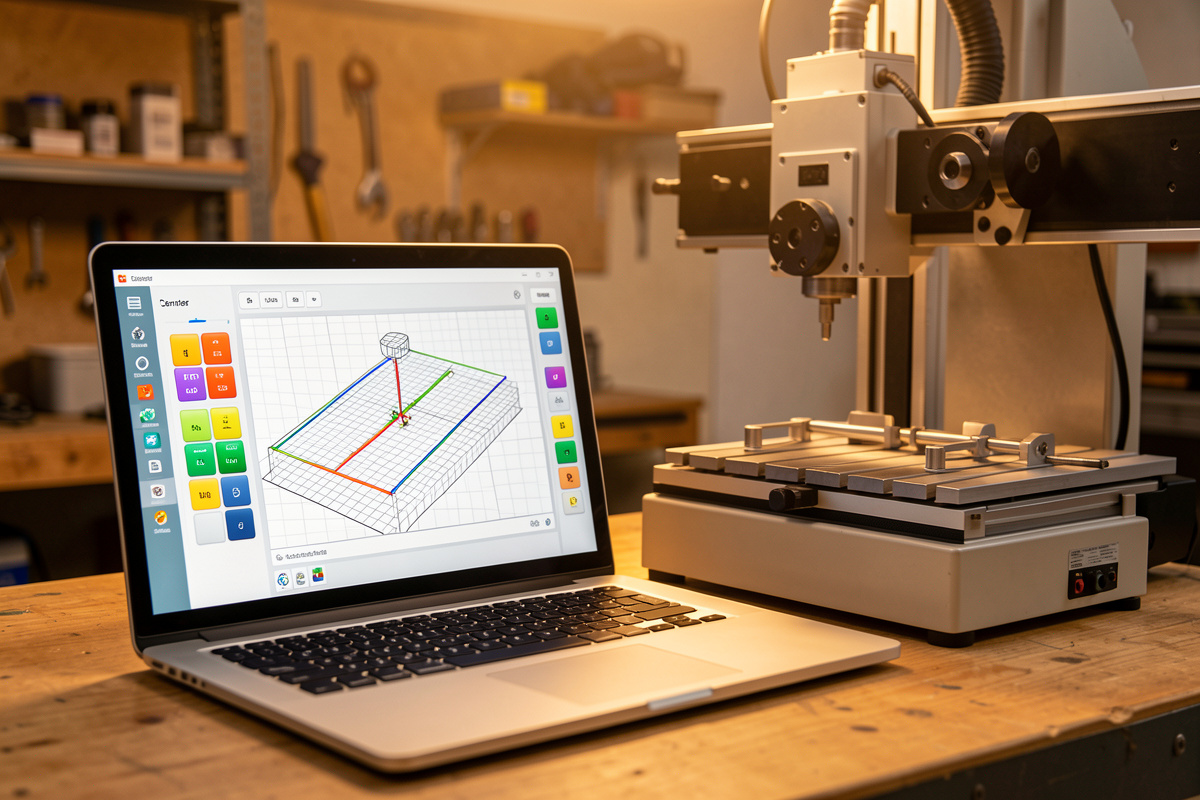
A G-code sender is the program on your computer that streams toolpaths to the controller, lets you jog, sets zero, and runs probing. I keep all three of these installed on the shop laptop: gSender on the Genmitsu machines, Carbide Motion on the Shapeoko, and UGS as a diagnostic tool when something is wrong. They are not interchangeable, and choosing the wrong one for your hardware causes weeks of needless friction. This is the sender chapter of my broader CNC control software guide.
The Quick Answer by Machine
Before the detail, the decision is usually made for you by what you own. Shapeoko and Nomad owners should run Carbide Motion because it integrates the BitSetter and BitZero hardware those machines ship with. Sienci LongMill owners get gSender, built by the same company. Everyone else on a generic GRBL board — Genmitsu, FoxAlien, OpenBuilds, a custom build — wants gSender first and UGS as a backup.
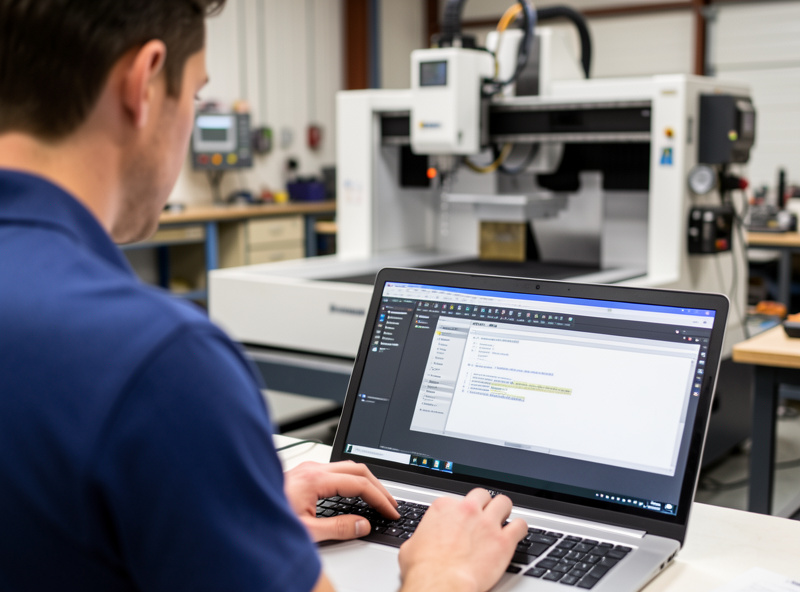
The reason it works this way is that senders are not just file-players — they integrate with specific hardware features. Carbide Motion knows how to drive a BitSetter for automatic tool-length measurement; a generic sender does not. gSender’s probing widget assumes a standard touch plate. Match the sender to the ecosystem and the convenience features just work; mismatch them and you are writing macros by hand. If you have not set up the firmware underneath yet, start with my GRBL setup and configuration guide.
gSender: The Best Default for Most Machines
gSender from Sienci Labs is what I recommend to most people now. It is free, runs on Windows, Mac, and Linux, and supports both classic GRBL and grblHAL. The interface is genuinely modern — readable at a glance from across the shop — and the probing widget handles Z, XYZ corner, and tool-length probing without a single macro.
Beyond probing, it has a surfacing wizard for flattening a spoilboard, a firmware tab for flashing and editing GRBL settings in a friendly grid instead of typing $ commands, joystick and gamepad jog support, and reliable auto-reconnect when USB hiccups. The one limitation is that it is built around the GRBL family — it will not drive a TinyG or a Smoothieboard. For the overwhelming majority of hobby machines, that is no limitation at all. gSender is the sender I reach for when I just want to cut without fiddling.
UGS: The Run-Anywhere Workhorse
Universal Gcode Sender is the old reliable. It is open-source Java, which means it runs on literally anything that runs Java, and it supports the widest range of firmware — GRBL, grblHAL, TinyG, and Smoothie. It is not pretty, and the learning curve is steeper, but it is bulletproof and it has never let me down as a diagnostic tool.
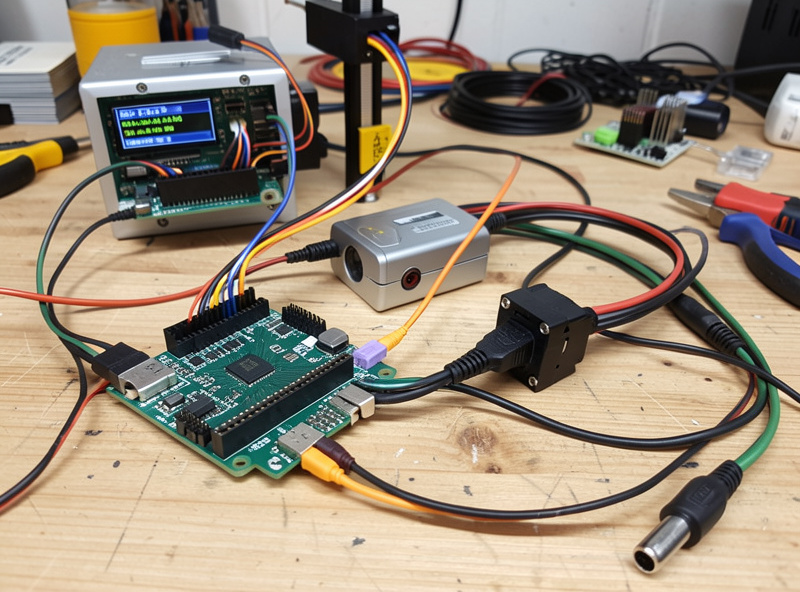
UGS comes in two flavors: the Classic edition and the newer Platform edition with a pendant and plugins. Probing is more manual than gSender — you often write a short macro for anything beyond basic Z — but that same openness is why power users love it. When a machine is misbehaving and I want to watch the raw firmware chatter line by line, UGS is what I open. It is also the natural choice for older or unusual controllers that gSender does not target. Think of it as the sender that always works, even when it is not the most pleasant.
Carbide Motion: Simple, but Locked In
Carbide Motion is Carbide 3D’s sender, and it is the simplest of the three to use — but only if you own a Shapeoko or a Nomad. It is locked to Carbide 3D’s own GRBL fork, so it will not connect to a generic GRBL board, and that lock is the whole trade. In exchange you get effortless integration with the BitSetter (automatic tool-length probing on every tool change) and the BitZero (corner and Z probing), plus a clean guided workflow that holds a beginner’s hand from connect to cut.
The cost of that simplicity is flexibility. There is less manual control than UGS, no firmware-editing grid like gSender, and you are committed to the Carbide ecosystem. For a Shapeoko owner who wants the machine to just work, that is a fair deal — I run it on my Shapeoko Pro for exactly that reason. For anyone on another machine, it is simply not an option. If you are still choosing hardware, my Shapeoko 5 Pro review and Onefinity vs Shapeoko comparison cover which ecosystem you would be buying into.
Head-to-Head Comparison
Here is how the three stack up on the points that actually decide day-to-day use, plus CNCjs for anyone running a headless setup.
| Sender | Platforms | Firmware | Probing | Best for | Cost |
|---|---|---|---|---|---|
| gSender | Windows, Mac, Linux | GRBL, grblHAL | Excellent built-in (Z, XYZ, tool) | Most GRBL machines | Free |
| UGS | Any (Java) | GRBL, grblHAL, TinyG, Smoothie | Manual / macro-driven | Tinkerers, odd controllers | Free |
| Carbide Motion | Windows, Mac | Carbide 3D GRBL fork only | BitSetter / BitZero hardware | Shapeoko / Nomad owners | Free |
| CNCjs | Any (browser / Pi) | GRBL, Smoothie, TinyG | Macro-driven | Headless / Raspberry Pi | Free |
Notice they are all free — the choice is never about price, it is about fit. The wrong-fit pain is real: trying to force Carbide Motion onto a Genmitsu board, or expecting UGS to auto-probe like gSender, is how people conclude “CNC software is hard” when really they just picked the wrong tool for their machine.
What About Running Headless on a Raspberry Pi?
If you want to cut the laptop loose from the machine, CNCjs is the answer. It runs in a browser and is happiest on a Raspberry Pi sitting next to the controller, so you control the machine from any device on your network. This isolates the cut from a flaky laptop USB connection — useful in a noisy shop, which is exactly the electrical-interference problem I cover in the control software guide.
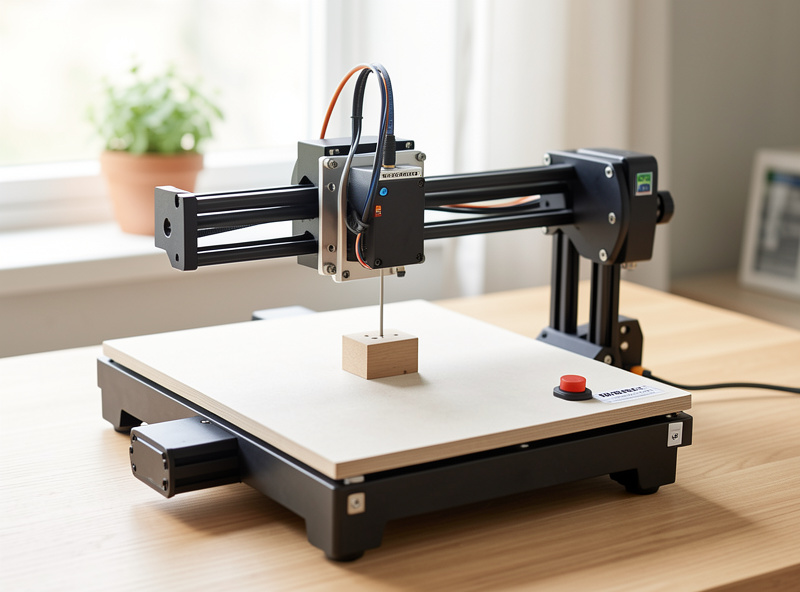
The trade is that CNCjs is more setup and its probing is macro-driven, so it is not where I send a beginner. But for a permanent machine in a dusty corner, a Pi running CNCjs with an offline-style web pendant is a genuinely robust setup. It is the same GRBL firmware underneath either way — the sender is just the interface you choose to drive it. Whatever you pick, the live-control habits (feed hold, override, soft reset) carry across all of them.
Switching Senders: What Transfers and What Does Not
People worry that changing senders means rebuilding their machine setup. It does not, because of where the configuration actually lives. Your GRBL $ settings — steps-per-mm, acceleration, homing, travel — are stored in the controller board’s EEPROM, not in the sender. Swap from UGS to gSender tomorrow and the machine still cuts identically, because the firmware never changed.
What does not transfer is the sender-specific layer: custom jog increments, probing macros you wrote by hand, tool-change scripts, and any saved workspaces. gSender’s built-in probing means you usually do not need to recreate macros at all, which is part of why I move people onto it. The practical upshot is that trying a new sender is low-risk — install it, connect, confirm it reads your existing $$ settings, and you have lost nothing. I keep two installed precisely because switching costs nothing but a few minutes, and having UGS on hand to read raw firmware output has diagnosed more than one fault that gSender’s friendlier interface smoothed over. If a sender ever seems to “lose” your calibration, the settings are still safe on the board — type $$ and they are right there.
Frequently Asked Questions
Is gSender better than UGS?
For most hobby GRBL machines, yes. gSender has a cleaner interface and far better built-in probing, requiring no macros. UGS wins on breadth of firmware support and as a diagnostic tool. Many operators, including me, keep both installed for different jobs.
Can I use Carbide Motion with a non-Shapeoko machine?
No. Carbide Motion only connects to Carbide 3D’s own GRBL firmware fork, which ships on Shapeoko and Nomad machines. A generic GRBL board from Genmitsu, FoxAlien, or a custom build will not connect. Use gSender or UGS instead.
Are gSender, UGS, and Carbide Motion all free?
Yes, all three are completely free, as is CNCjs. The choice between them is never about price; it is about which one fits your machine’s firmware and hardware features. Match the sender to your ecosystem rather than shopping on cost.
Which sender has the best probing?
gSender has the best built-in probing for generic GRBL machines, handling Z, XYZ corner, and tool-length probing with no macros. Carbide Motion’s probing is excellent too, but it relies on Carbide 3D’s BitSetter and BitZero hardware specific to their machines.
Can I run my CNC without a laptop attached?
Yes. CNCjs on a Raspberry Pi lets you control the machine over your network from any browser, isolating the cut from laptop USB problems. Many budget machines also ship with an offline controller that runs jobs from an SD card, though with fewer live controls.
Related Guides
- CNC Control Software Guide — the full control-layer picture
- GRBL Setup and Configuration Guide — getting the firmware ready for any sender
- Touch Plate and Tool Probing Guide — where the probing widgets earn their keep
- Tuning GRBL $ Settings — the numbers your sender reads and writes
- Shapeoko 5 Pro Review — the Carbide Motion ecosystem in practice